

KESS3 Slave - DynoDrive Activation
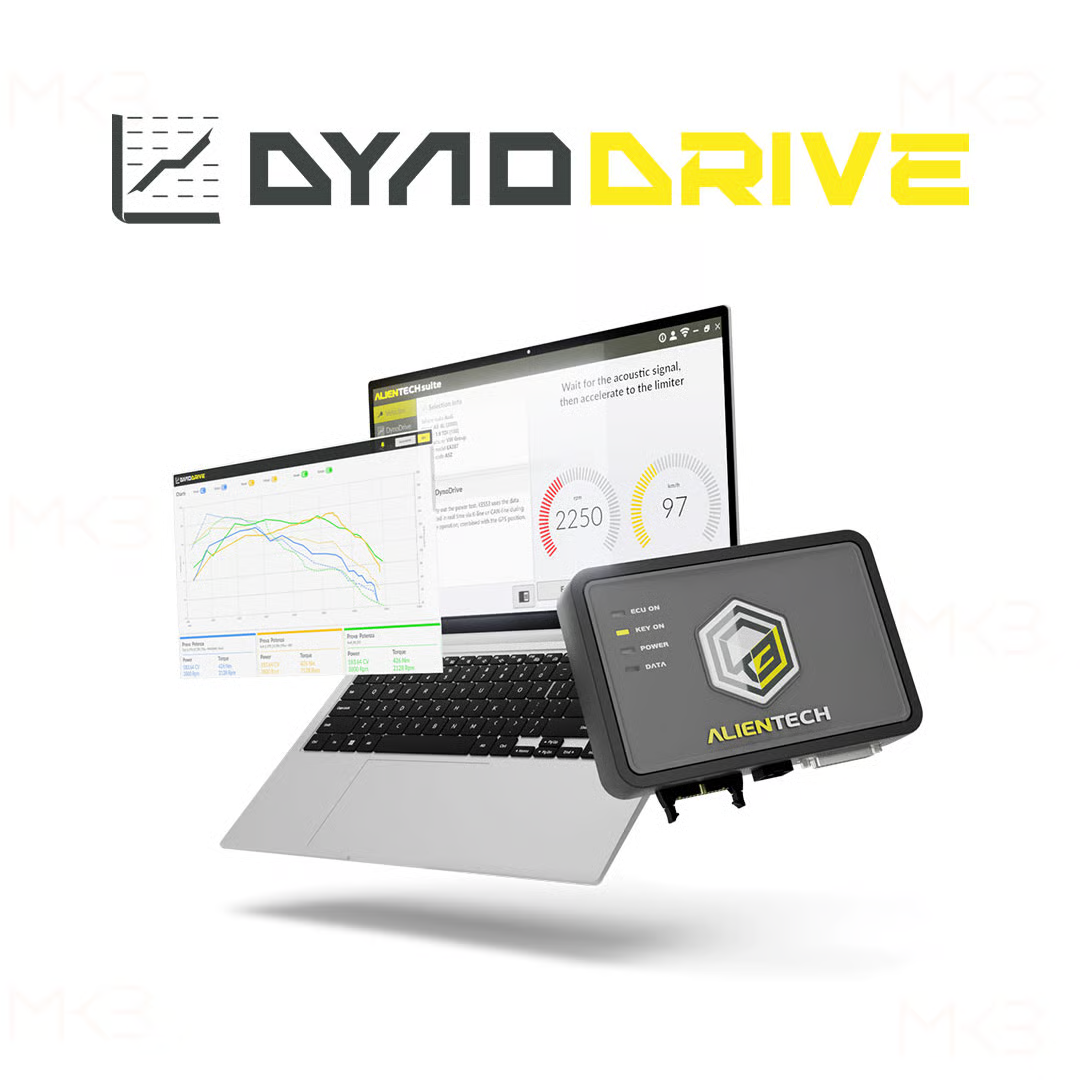
DynoDrive activation for KESS3 Slave. It adds power and torque measurement to a Slave device.
Measurement relies on data from the OBD port and the device's integrated GPS module. Readings are exported and compared on a dedicated online platform.
For a workshop working with a Master's calibration maps, the function allows a measured result to be presented to the client on their own vehicle, rather than a quoted figure.
Specifications
- Alientech reference: KESS3SKW0
- Version: KESS3 Slave
- Power and torque measurement without a dyno
- Acquisition via OBD port and integrated GPS
- No subscription required, activation independent of protocols
Plan an appropriate route: a clear section allowing a full-throttle acceleration in a high gear, on consistent terrain.
Pairs well with
Free shipping on orders over €299
Interest-free installment payments
KESS3 Slave - DynoDrive Activation
If you have any questions, you are always welcome to contact us. We'll get back to you as soon as possible, within 24 hours on weekdays.
-
Informations d'expédition
Use this text to answer questions in as much detail as possible for your customers.
-
Customer Support
Use this text to answer questions in as much detail as possible for your customers.
-
FAQs
Use this text to answer questions in as much detail as possible for your customers.
-
Contact Us
Use this text to answer questions in as much detail as possible for your customers.

TEST PROCEDURE
How DynoDrive activation works
Four steps separate the vehicle setup in Alientech Suite from the delivery of a detailed report to the customer.
1. You set up the trial
Vehicle and passenger weight, fuel level, starting engine speed, and gear ratio used are entered into Alientech Suite.
2. You are driving
On a clear and regular section, at full throttle in the selected gear: the KESS3 continuously records GPS position and OBD frames.
3. Alientech Suite calculates
Actual power and torque are calculated from the acceleration and deceleration phases recorded during the test.
4. You compare and export
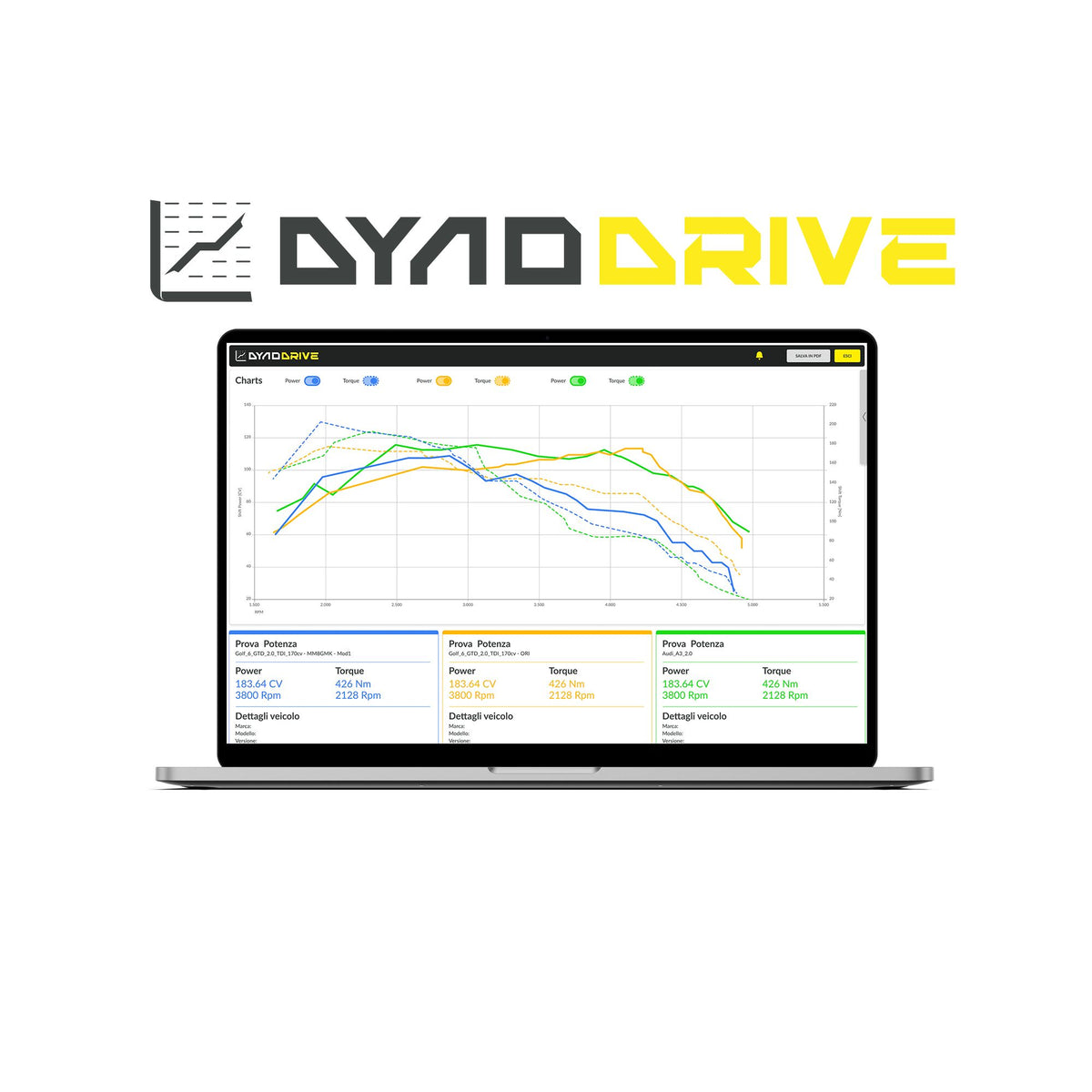
Up to 3 tests can be overlaid on the same graph, then exported as a PDF for archiving or delivery to the client.

A MEASURED RESULT, NOT A PROMISE
DynoDrive transforms a test drive into quantifiable evidence
Rather than sending a customer away with a generic advertised value, DynoDrive documents each test with data actually measured on their vehicle, using the OBD port and the onboard GPS of the unit, without investing in a roller dynamometer.

Highlight the work done with the mappings of a Master's degree
A workshop that reprograms a vehicle with maps designed on a Master tool can now quantify the results for that specific vehicle, rather than relying on a generic advertised value. DynoDrive serves as quantified and personalized proof: a before-and-after report, on the customer's actual car, with its own parameters (weight, fuel, transmission).
Tests can be repeated consecutively under comparable conditions: the measured differences reflect the modification made to the vehicle, and not variations due to weather or the route.

Product details
Acquisition & Measurement
Data Sources
OBD port (communication with the ECU) and GPS module integrated into the KESS3 tool
Calculation
Actual power and torque, calculated from the acceleration and deceleration phases of the test
Additional Equipment
None, no sensors or rolling road required
Measurement Environment
Open road, in real driving conditions
Test parameters
Weight
Vehicle and passenger weight to be entered before the test
Fuel
Fuel level at the time of the test
Engine
Starting engine speed
Transmission
Gear ratio used for the test
Results & export
Visualization
Cartesian power and torque graphs
Comparison
Overlay of 3 tests on the same graph is possible
Export
PDF report, archivable or transmittable to the client
Repeatability
Tests repeatable in succession, under comparable conditions
Compatibility & activation
Required Tool
KESS3 Slave already activated (ref. Alientech KESS3SKW0)
Subscription
Not required, independent of KESS3 protocols and subscriptions
Activation Time
Remote, within 24/48 hours after order
Scope
Identical function on KESS3 Master, only the product reference changes
FAQ
Do I need an active subscription to use DynoDrive?
No, DynoDrive activation is independent of KESS3 protocols and subscriptions: once activated, it remains acquired with the tool.
How are the measurements acquired?
By combining the OBD port, which communicates with the vehicle's ECU, and the GPS module integrated into the KESS3 tool, which precisely tracks the position during acceleration and deceleration phases, Alientech Suite cross-references these two data streams to calculate real power and torque, without additional sensors or equipment.
Does DynoDrive replace a dynamometer?
No. DynoDrive documents a road test in a credible and reproducible way, but does not replicate the controlled conditions of a professional dynamometer. It is an on-board measurement tool, designed as a complement, not a substitute for the dynamometer.
What data needs to be entered before a test run?
The weight of the vehicle and passengers, the fuel level, the initial engine speed, and the gear ratio used for the test. The accuracy of the result depends directly on the accuracy of these parameters.
Can several trials be compared?
Yes: the results are displayed as Cartesian graphs and up to three tests can be superimposed on the same graph, for example to compare a vehicle before and after a remap.
What is the DynoDrive feature?
An exclusive innovation to the Alientech Suite ecosystem that calculates the power and torque of a vehicle in real-time via OBD and on-board GPS, without the need for a dynamometer.
Is this activation different between KESS3 Slave and KESS3 Master?
The function is identical; only the product reference changes depending on your casing version.
Become an RS-Tronic reseller
- €0 Entry Fee: No admission ticket to join the group
- 90+ Resellers in France and Internationally: A network that proves the model works
- Bench-Developed Files: Manufacturer tolerances and anti-pollution standards respected
- Preserved Autonomy: The strength of a large group, your business remains your own