

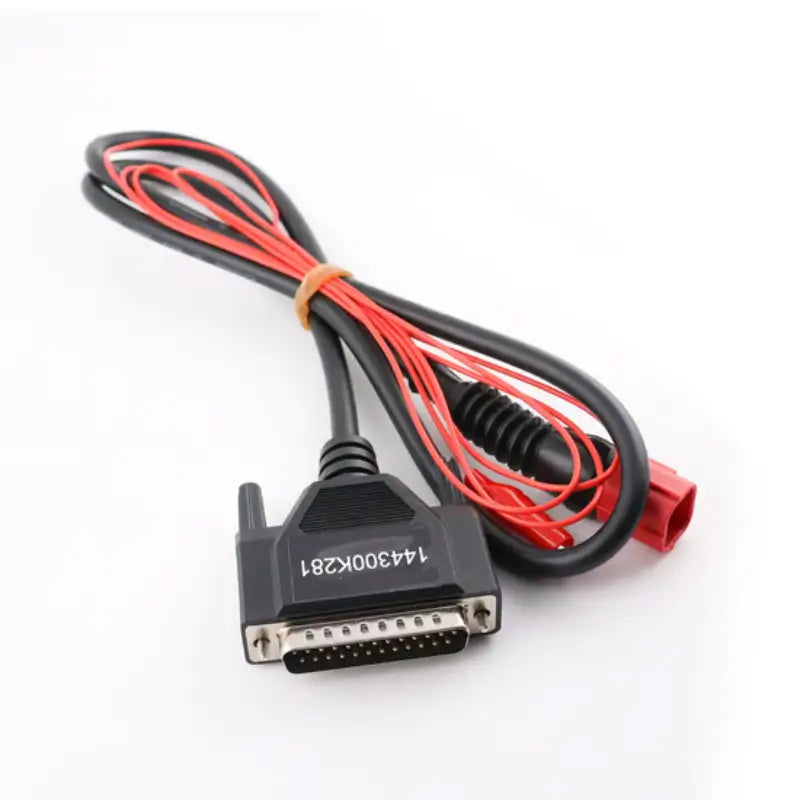
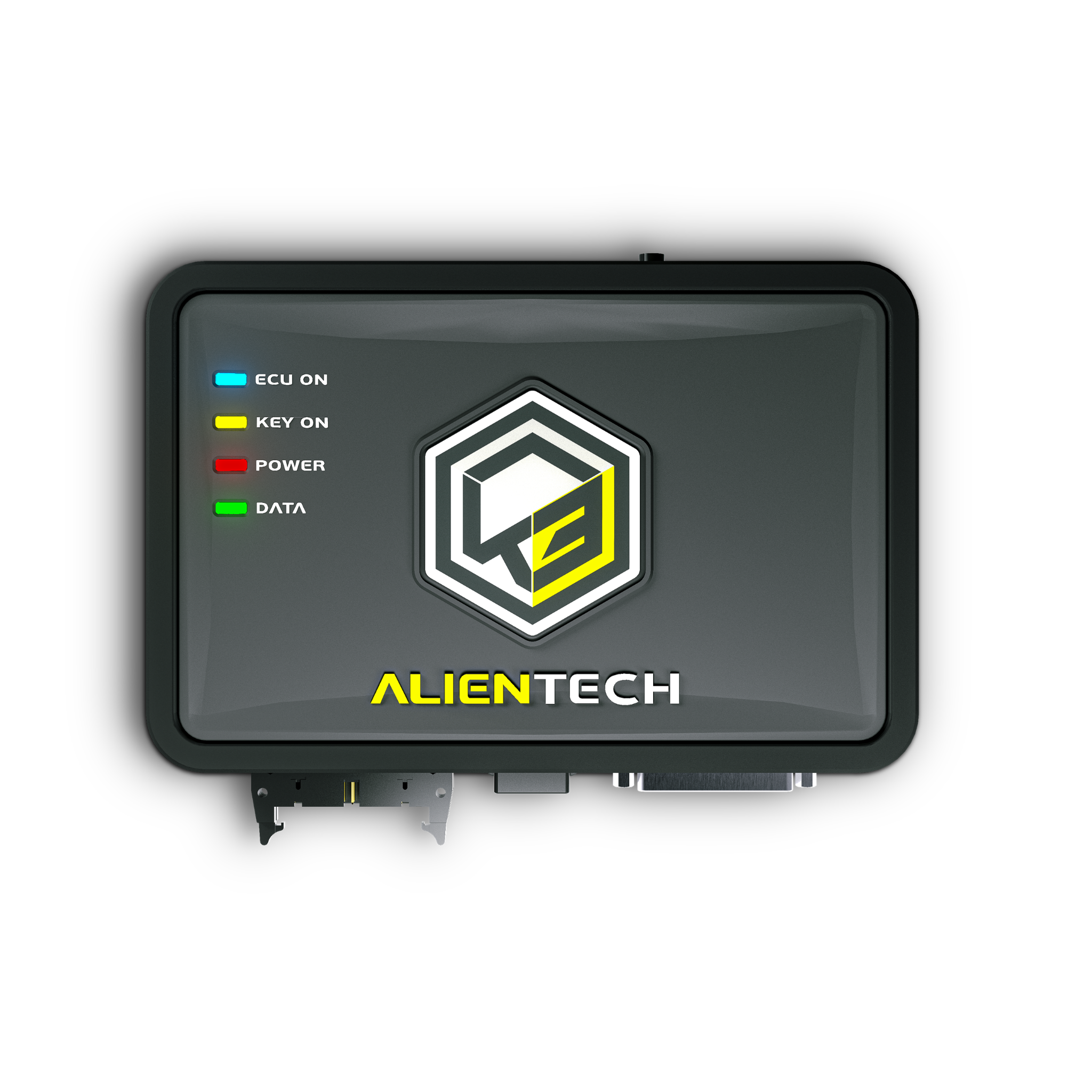
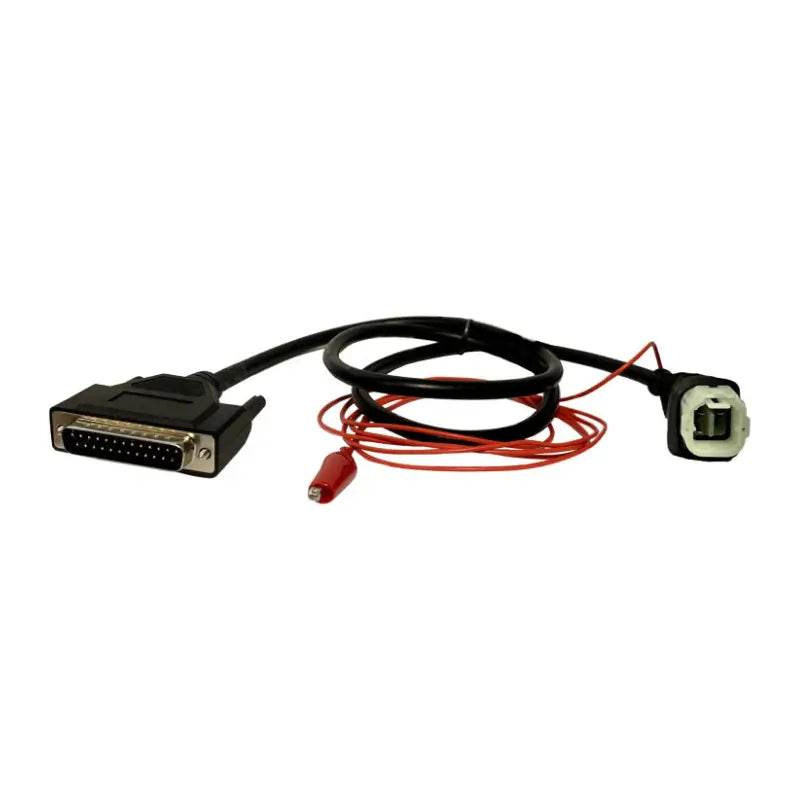
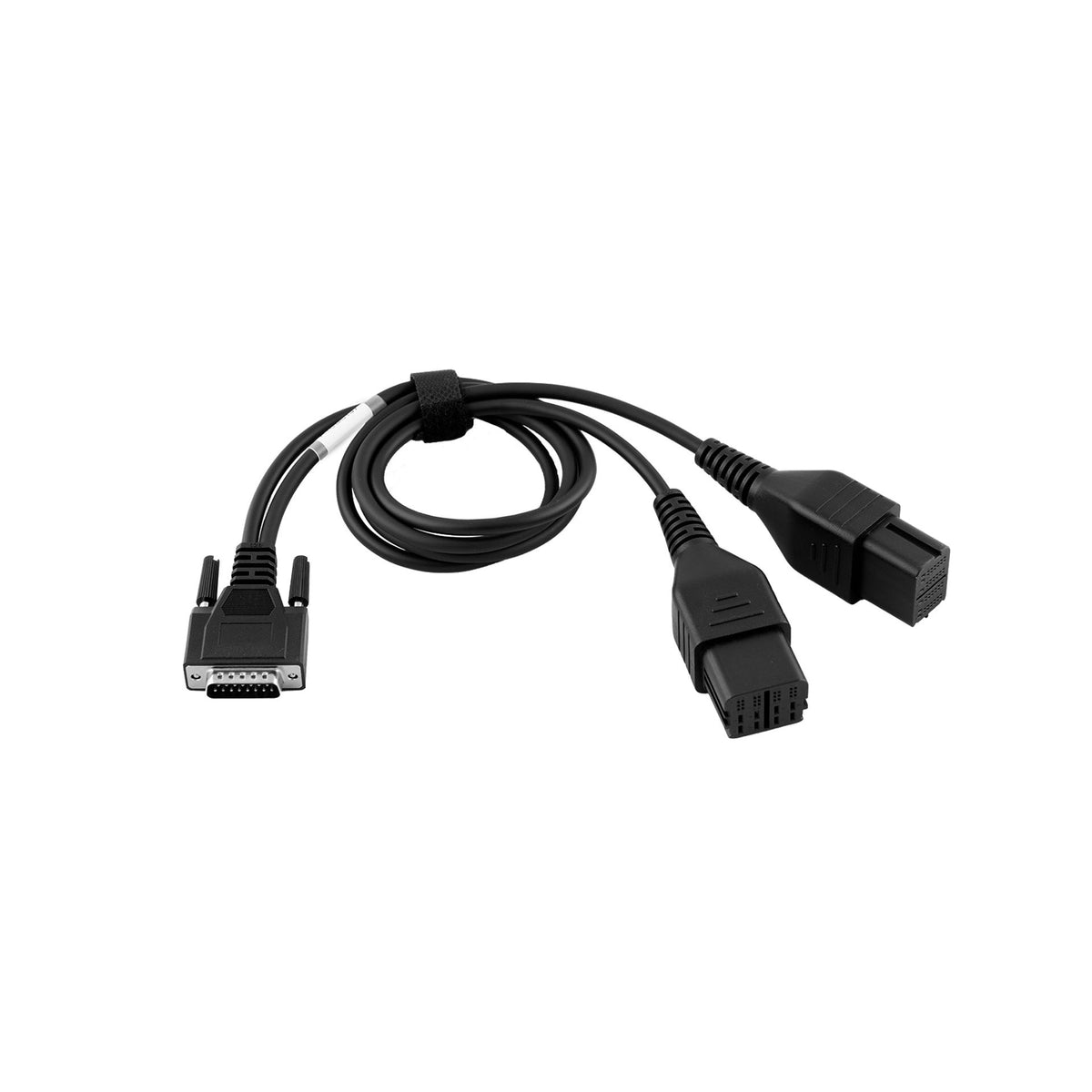
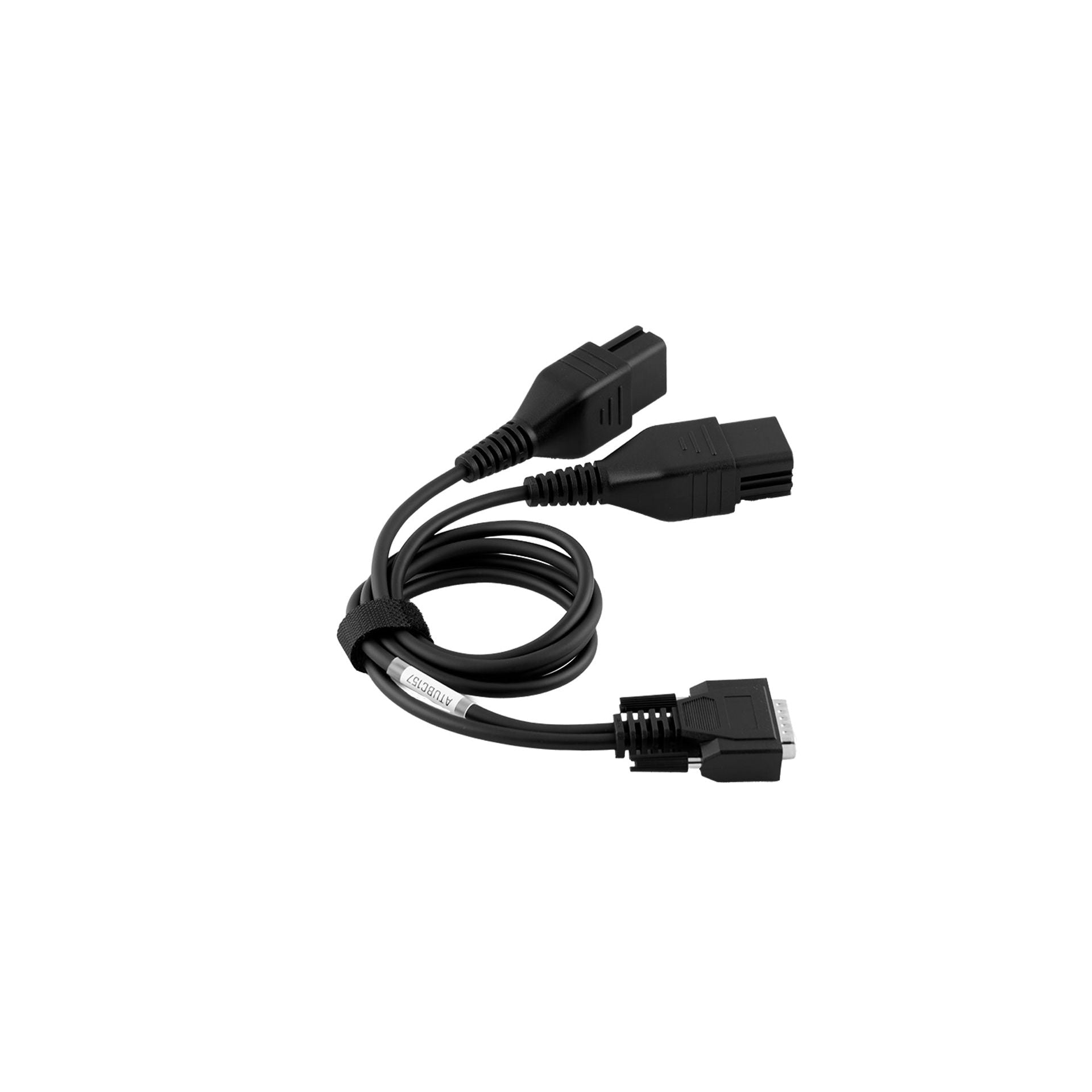
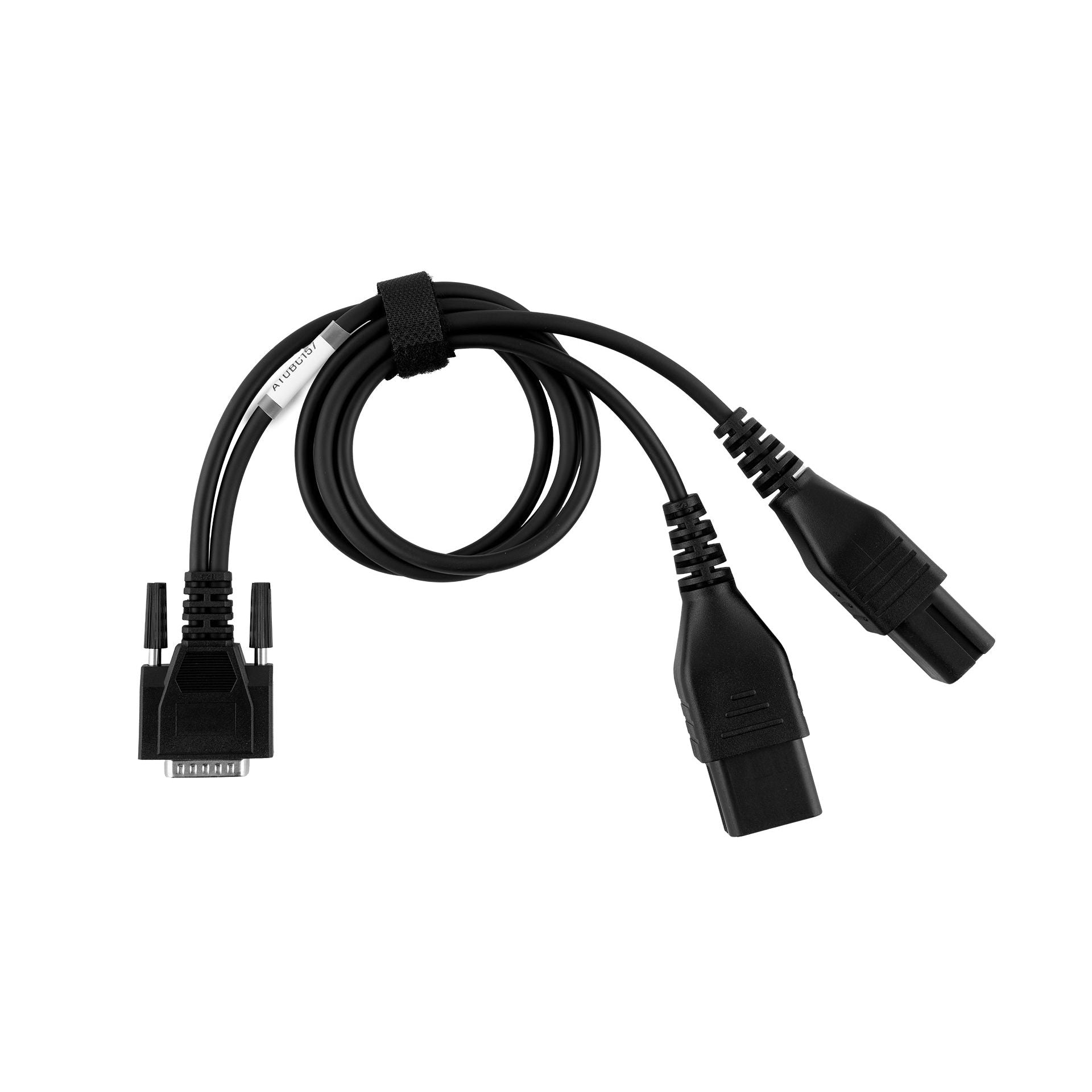
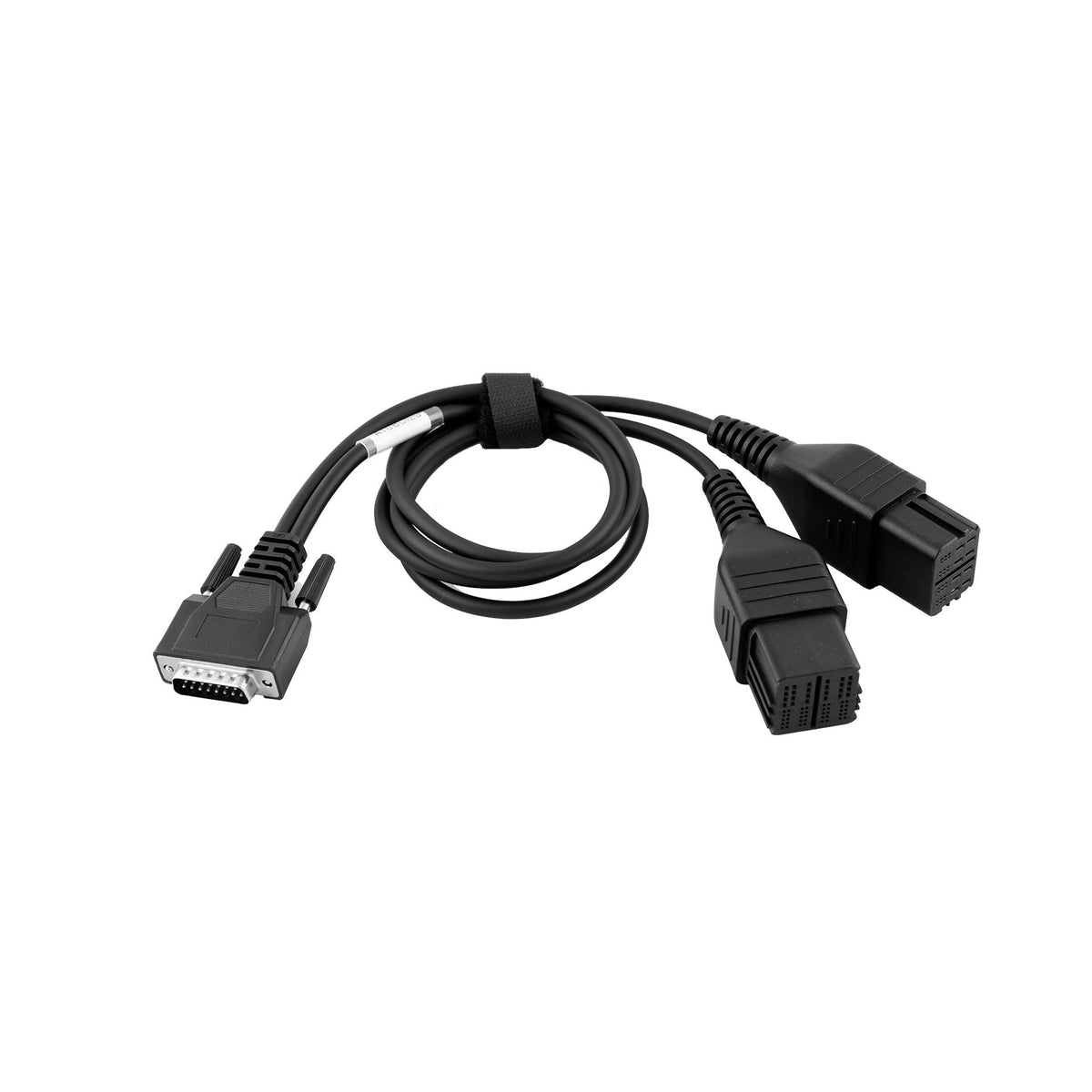
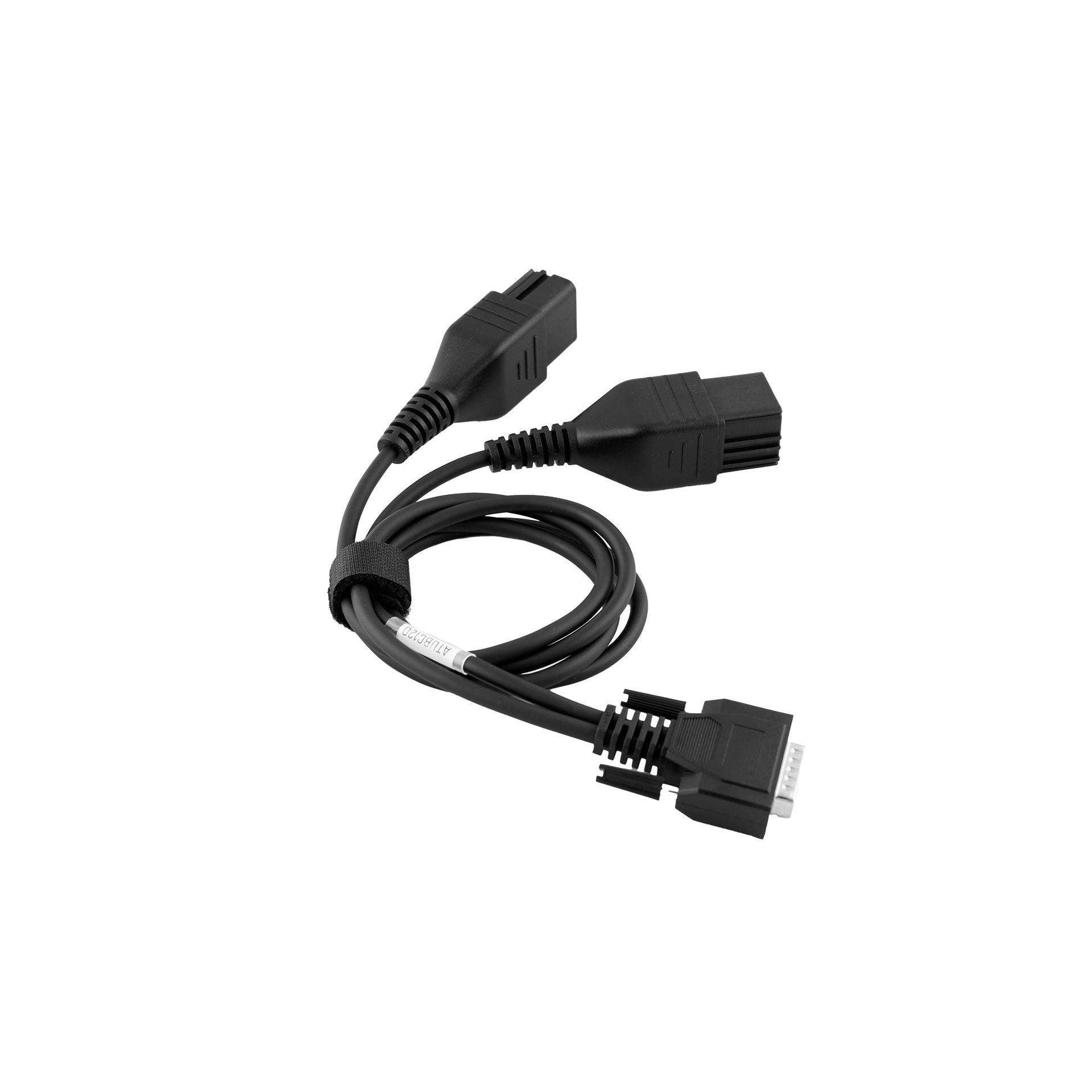
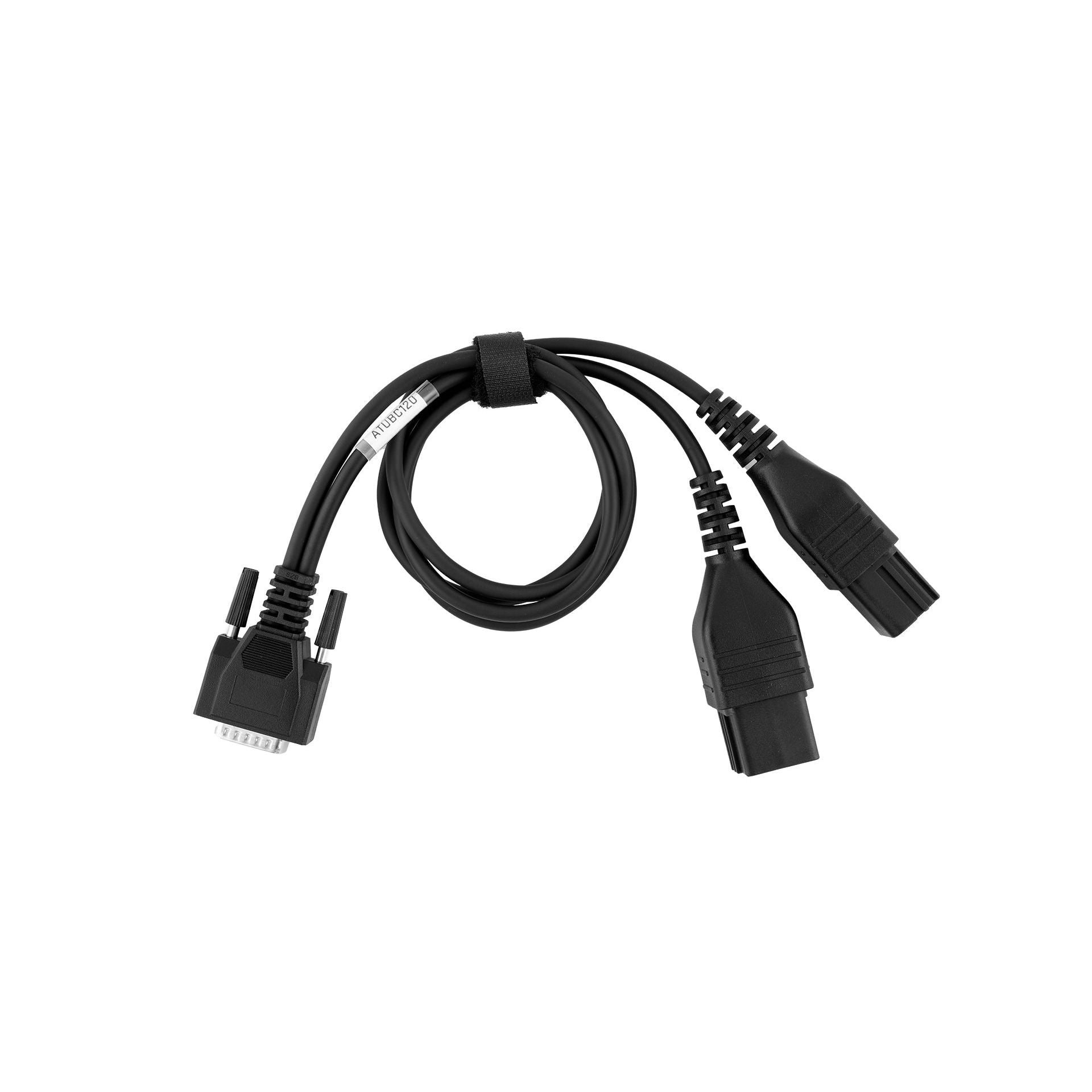
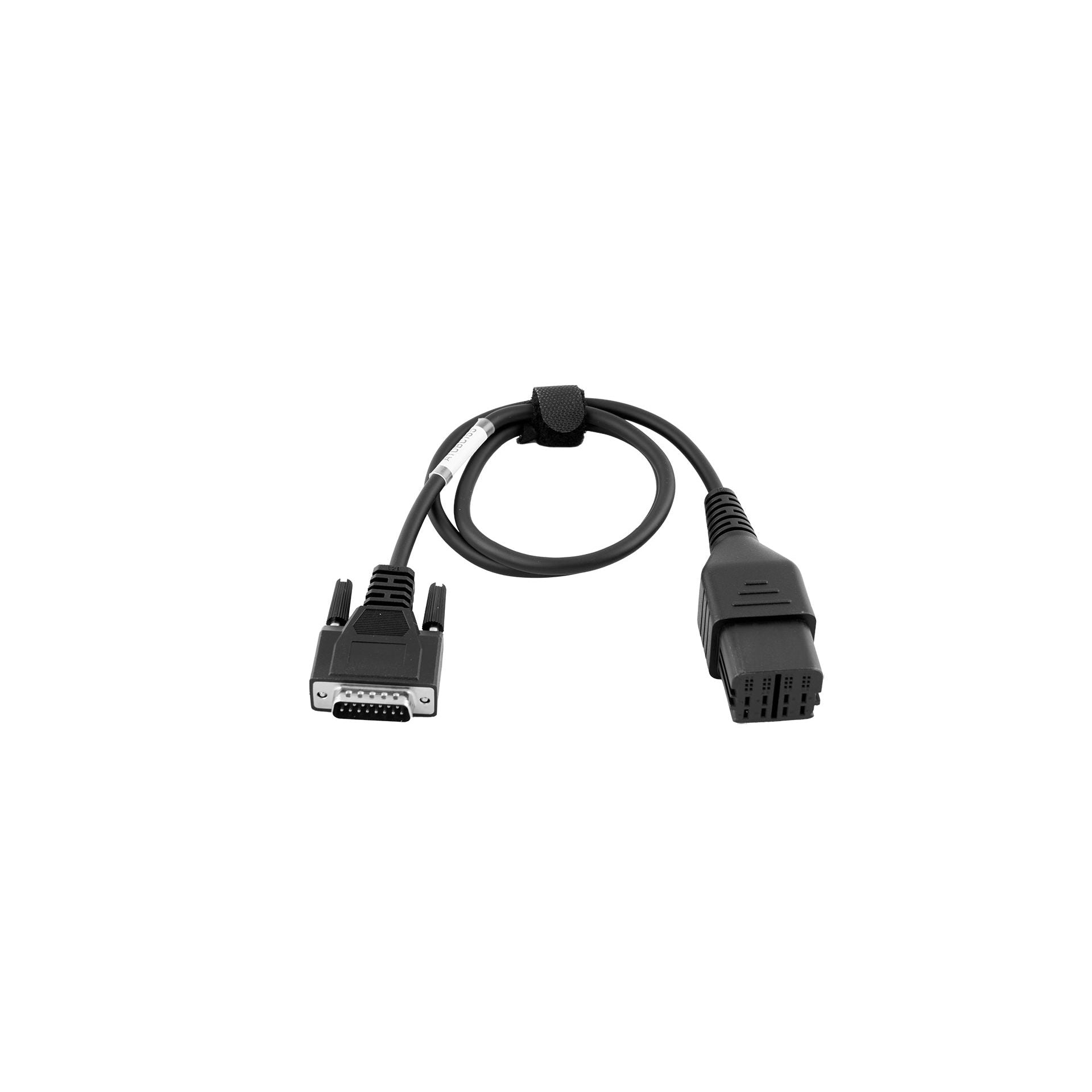
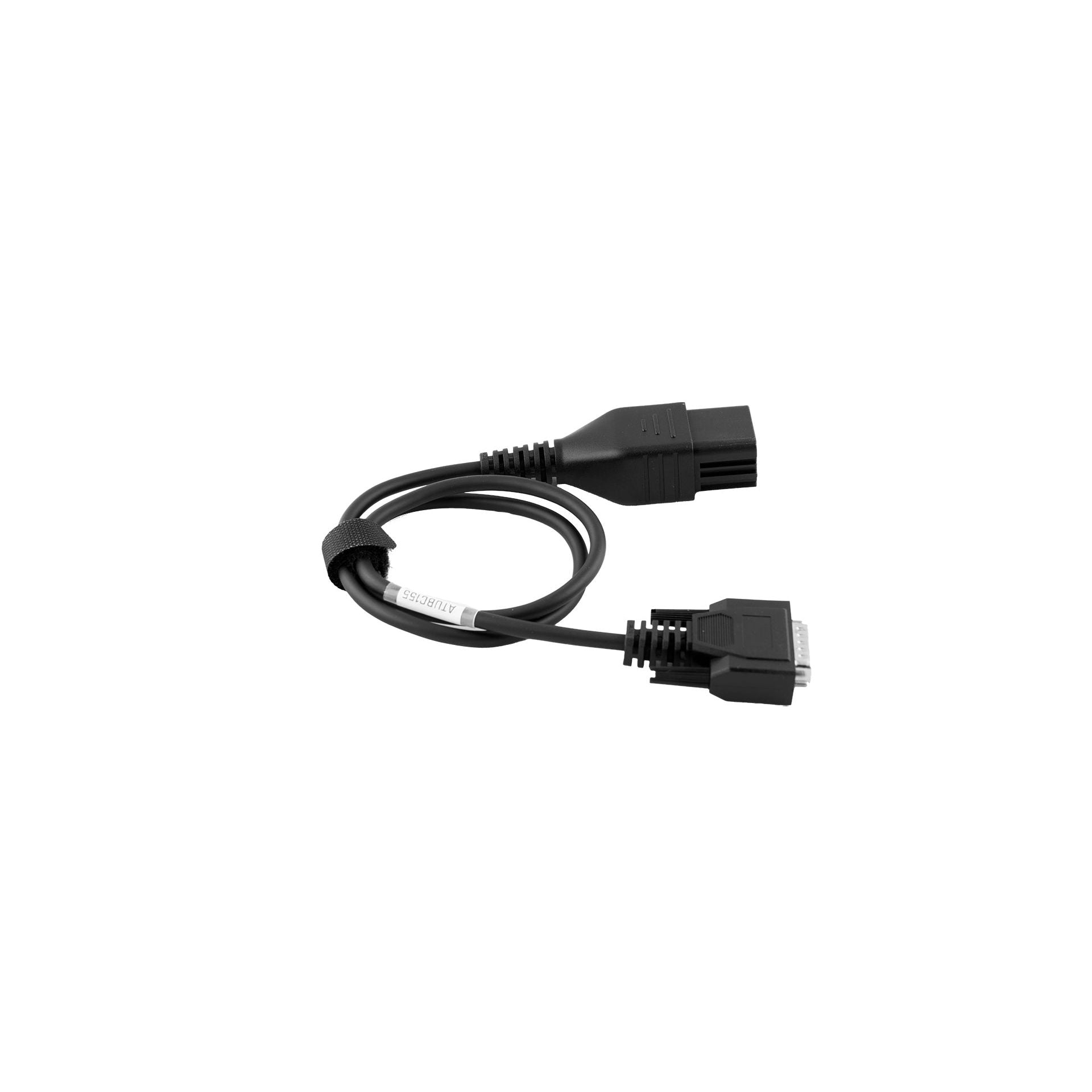
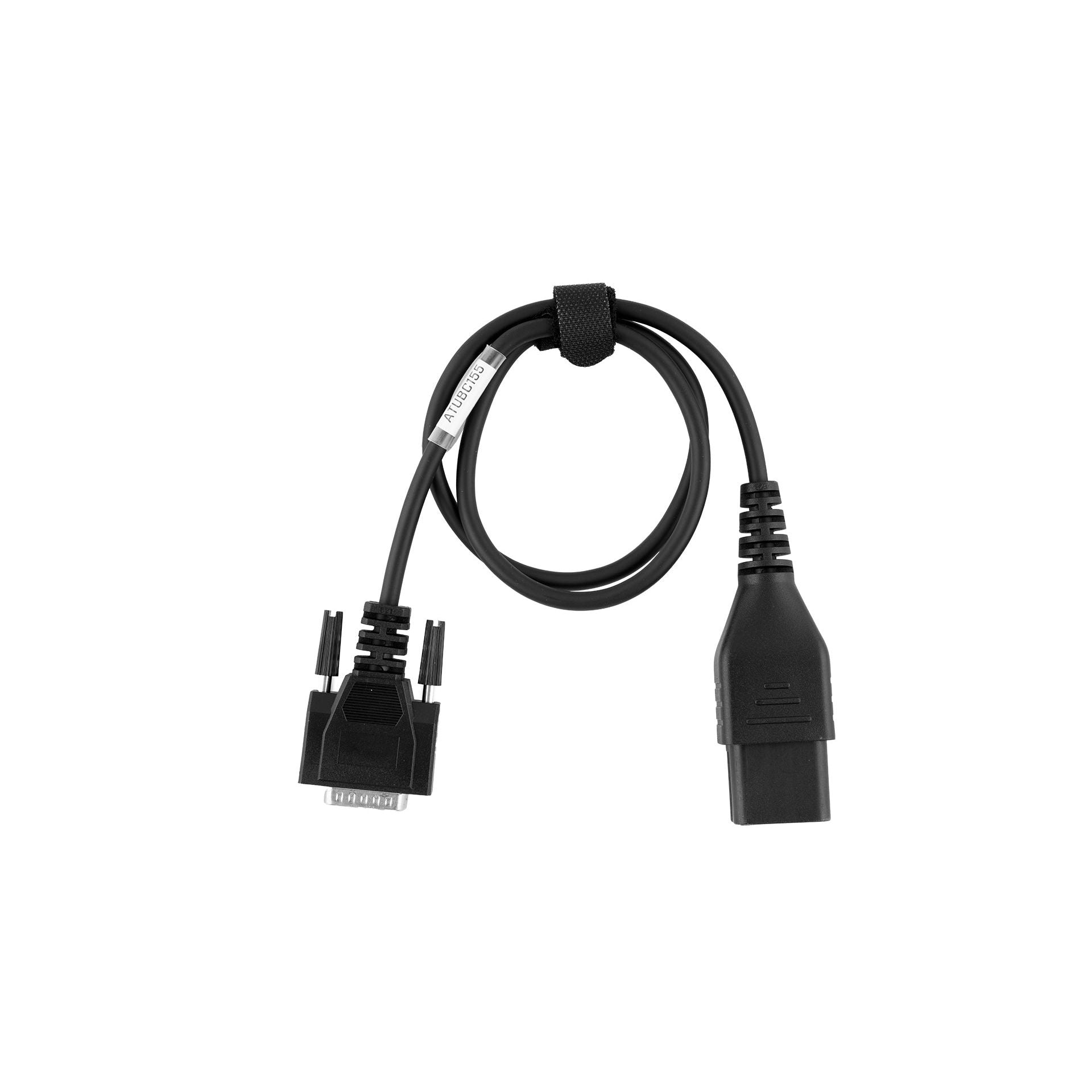
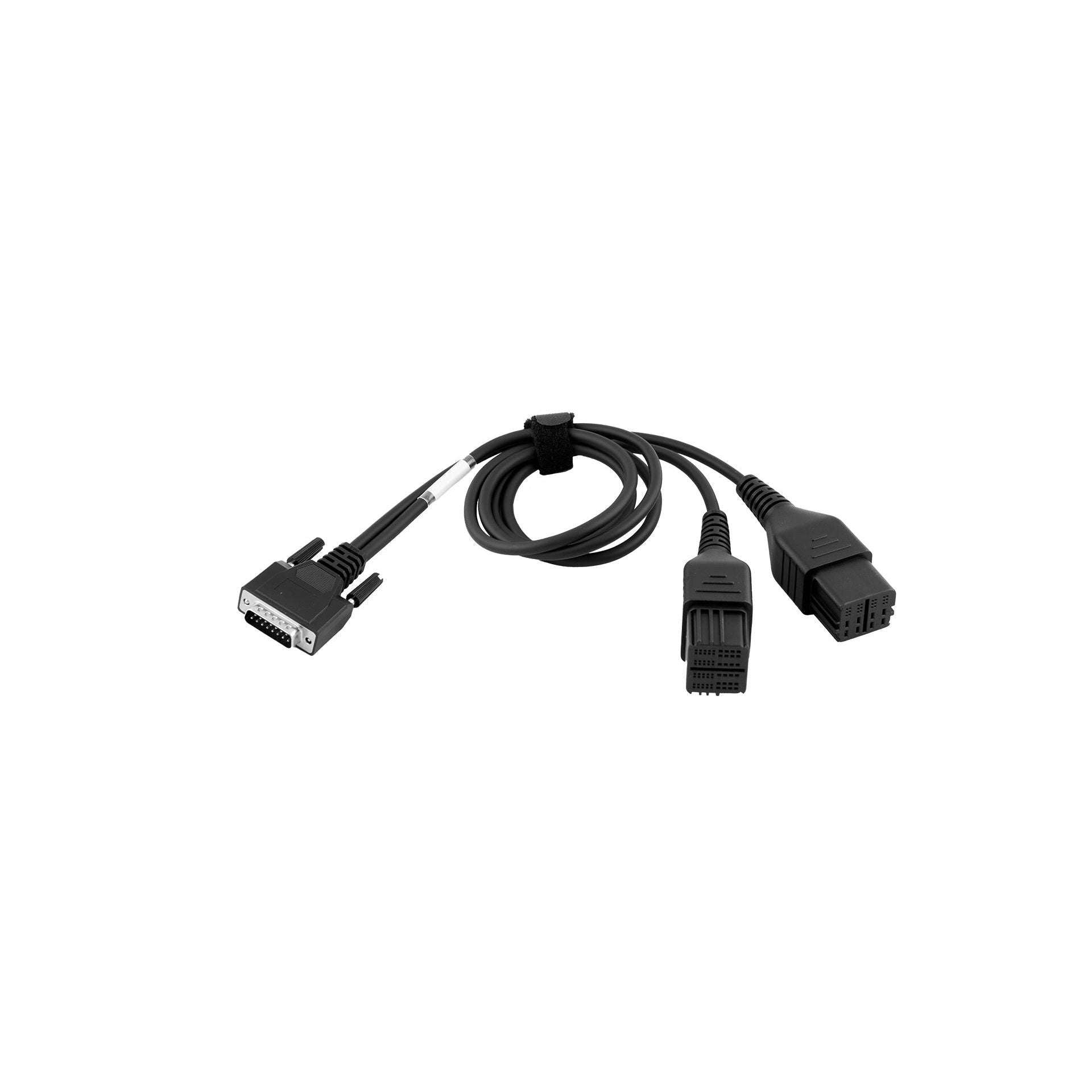
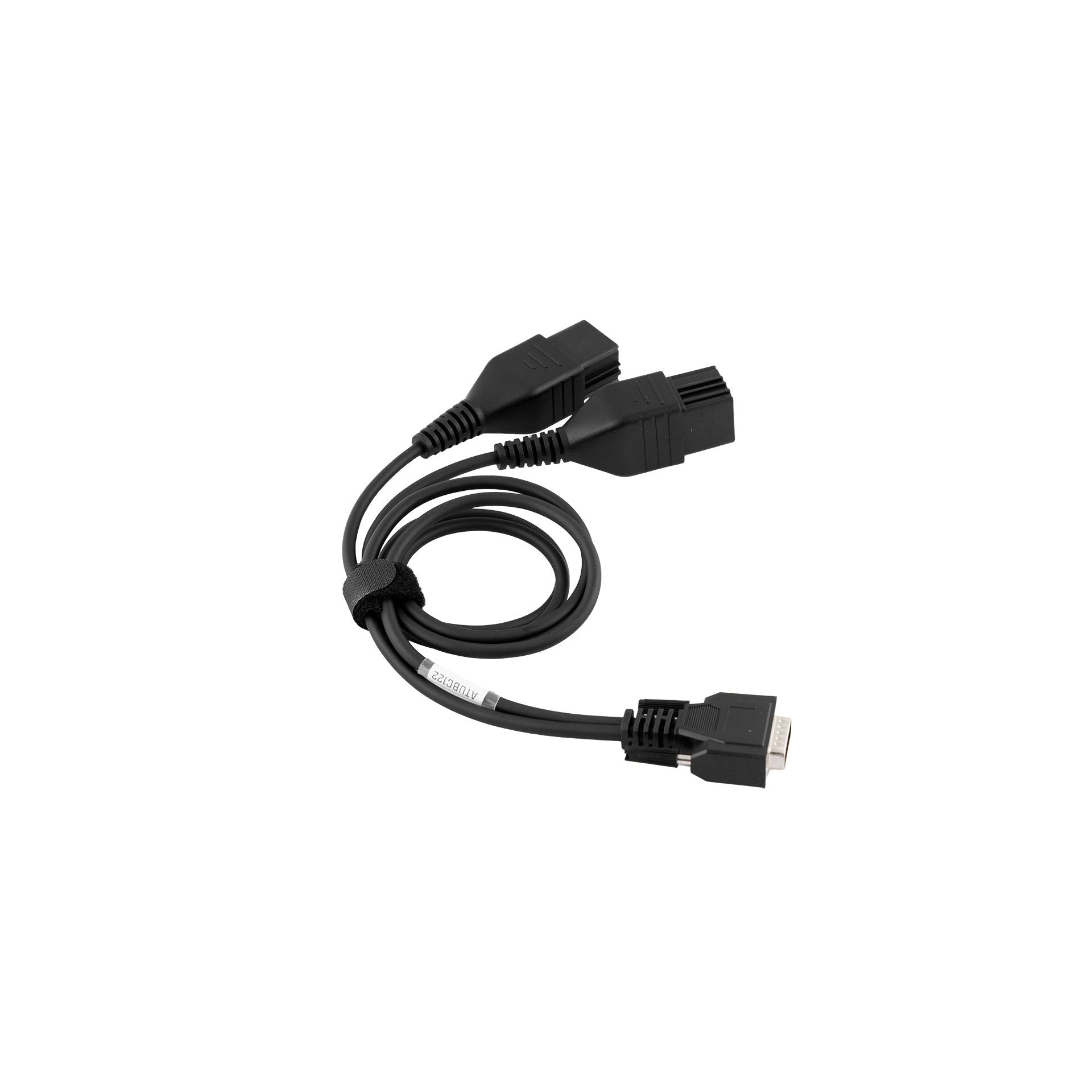
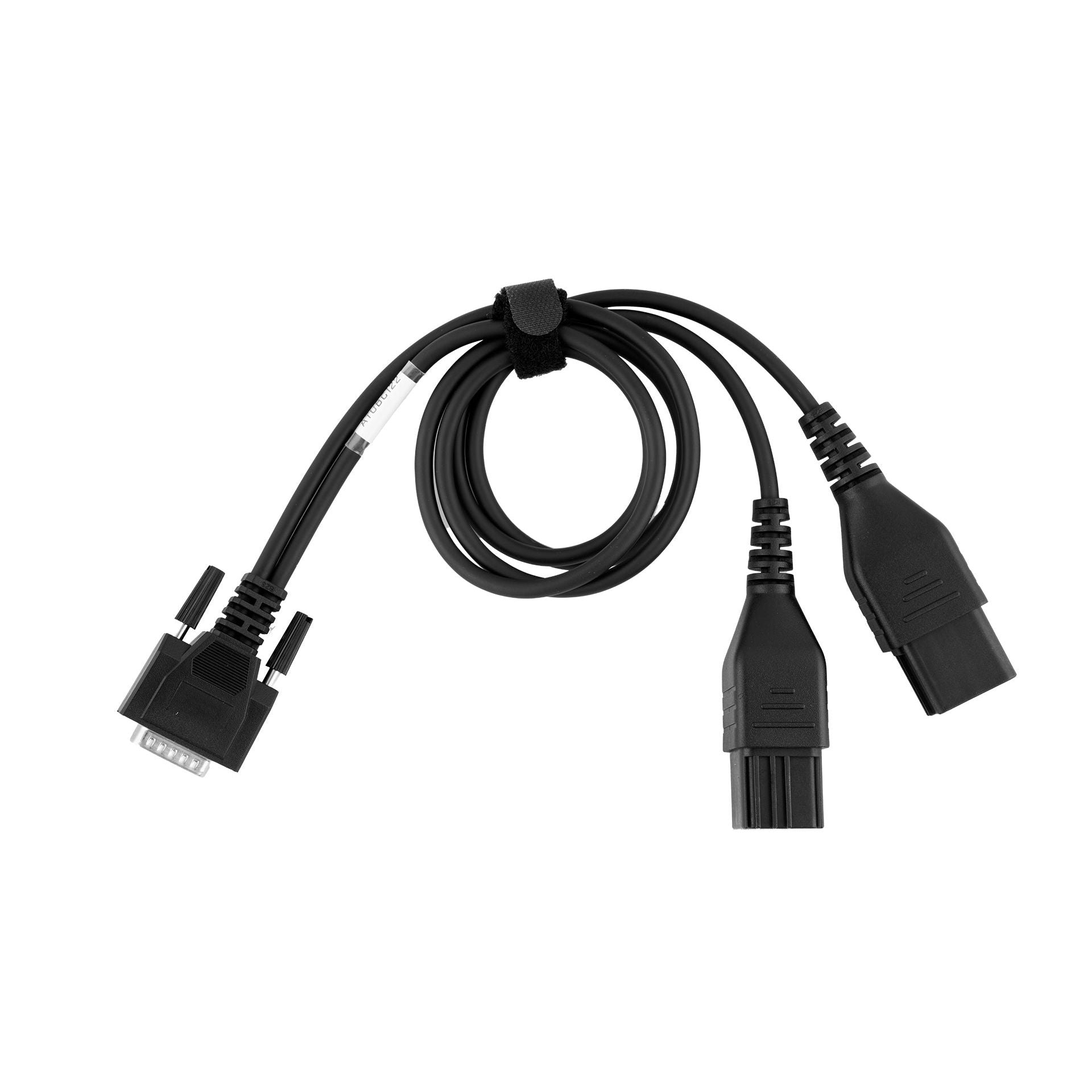
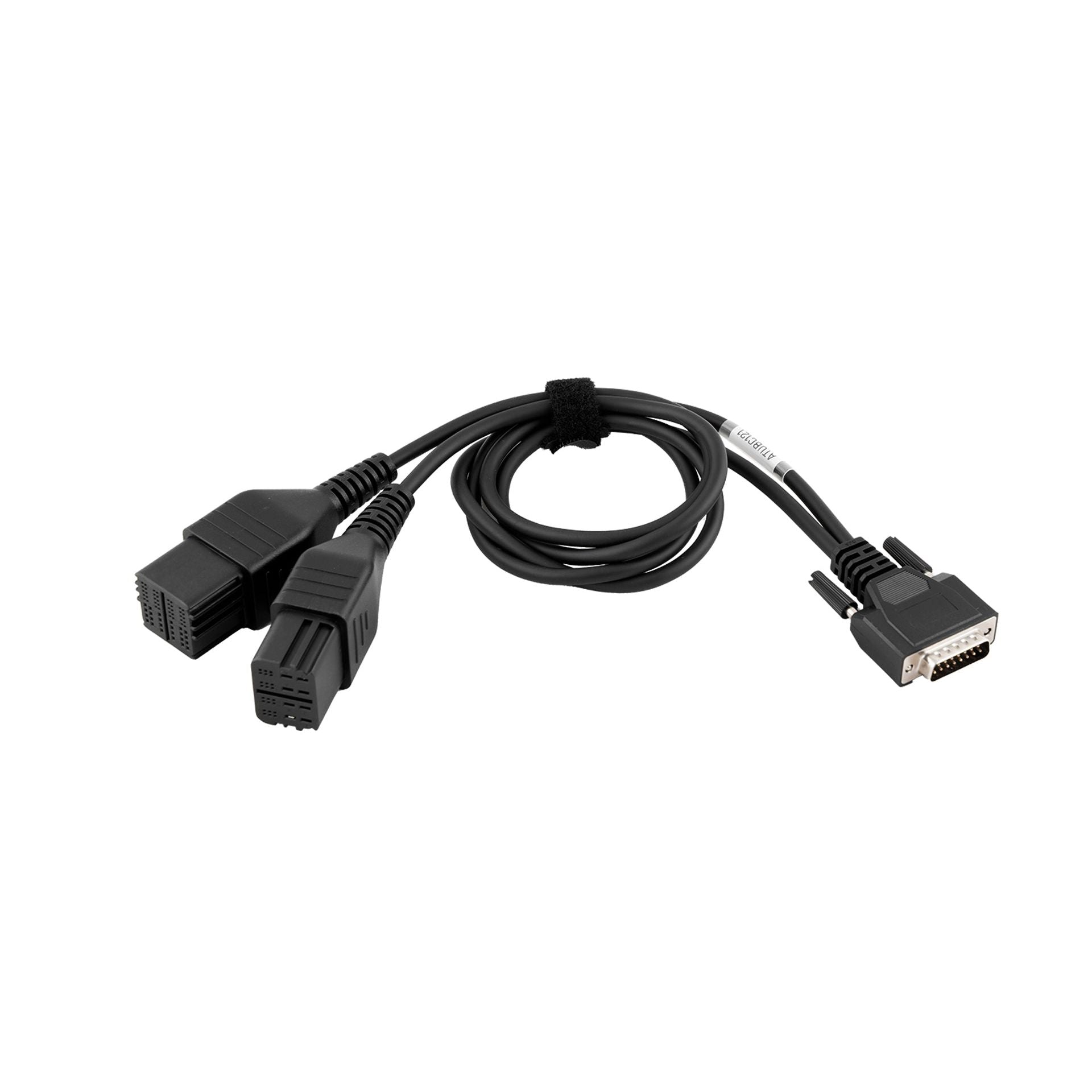
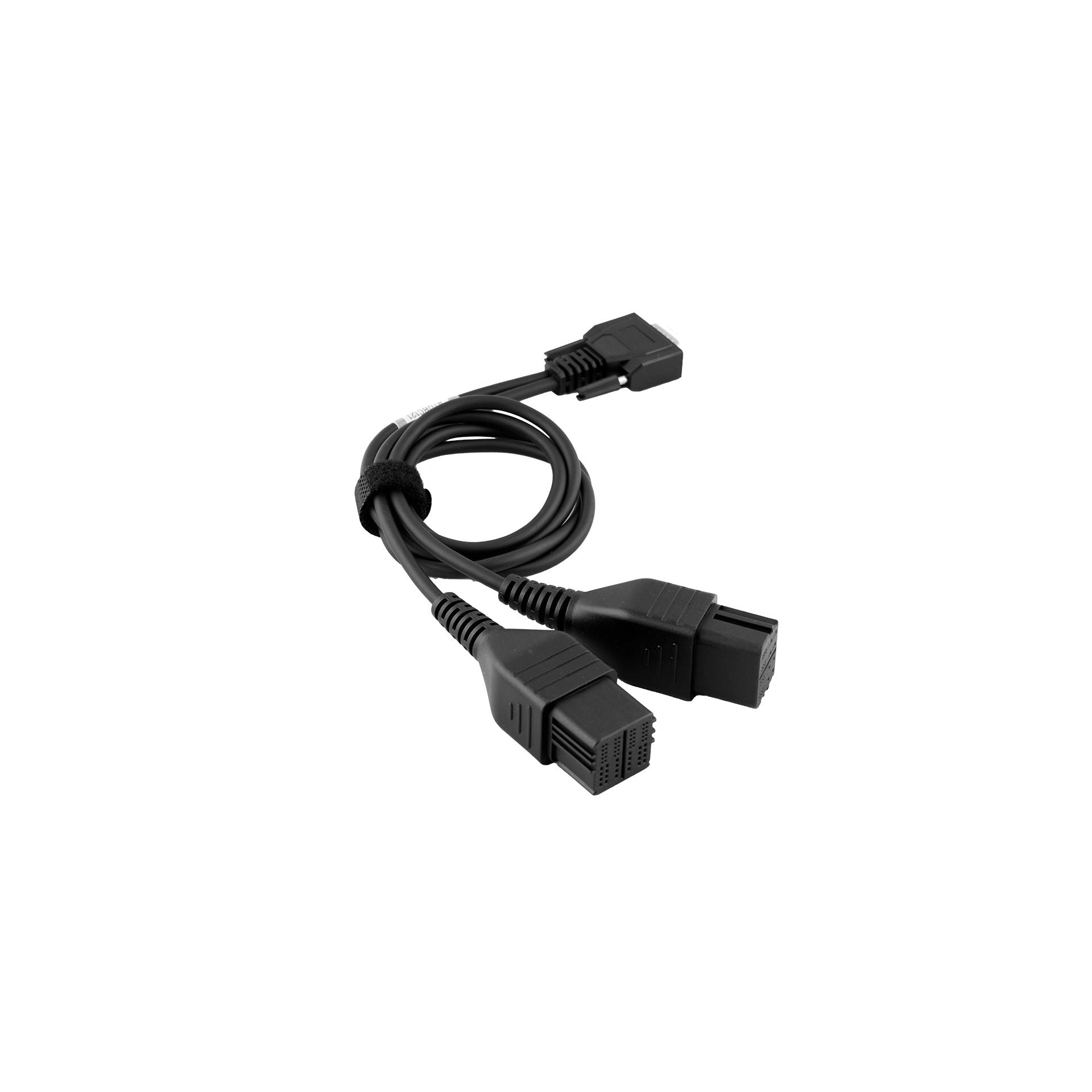
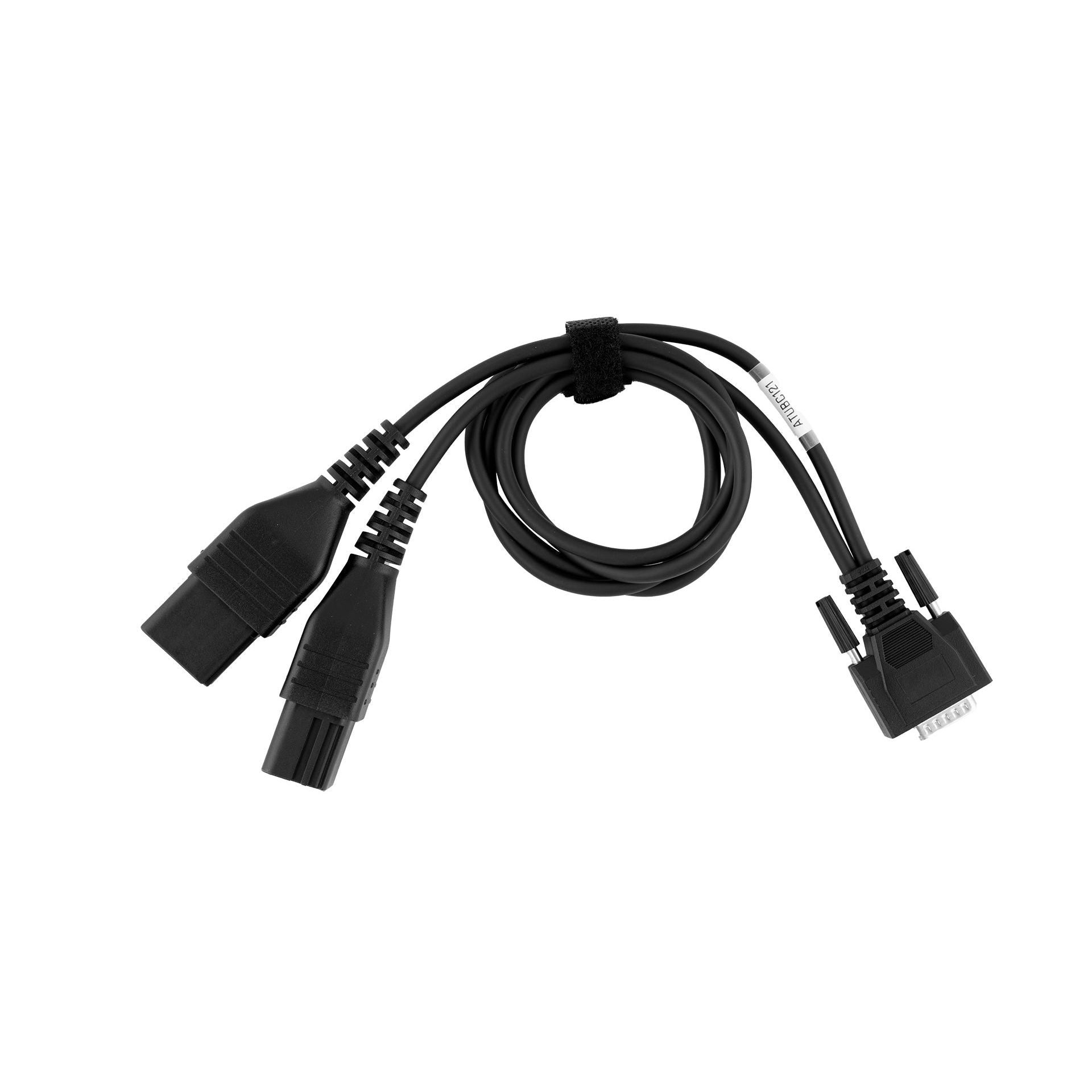
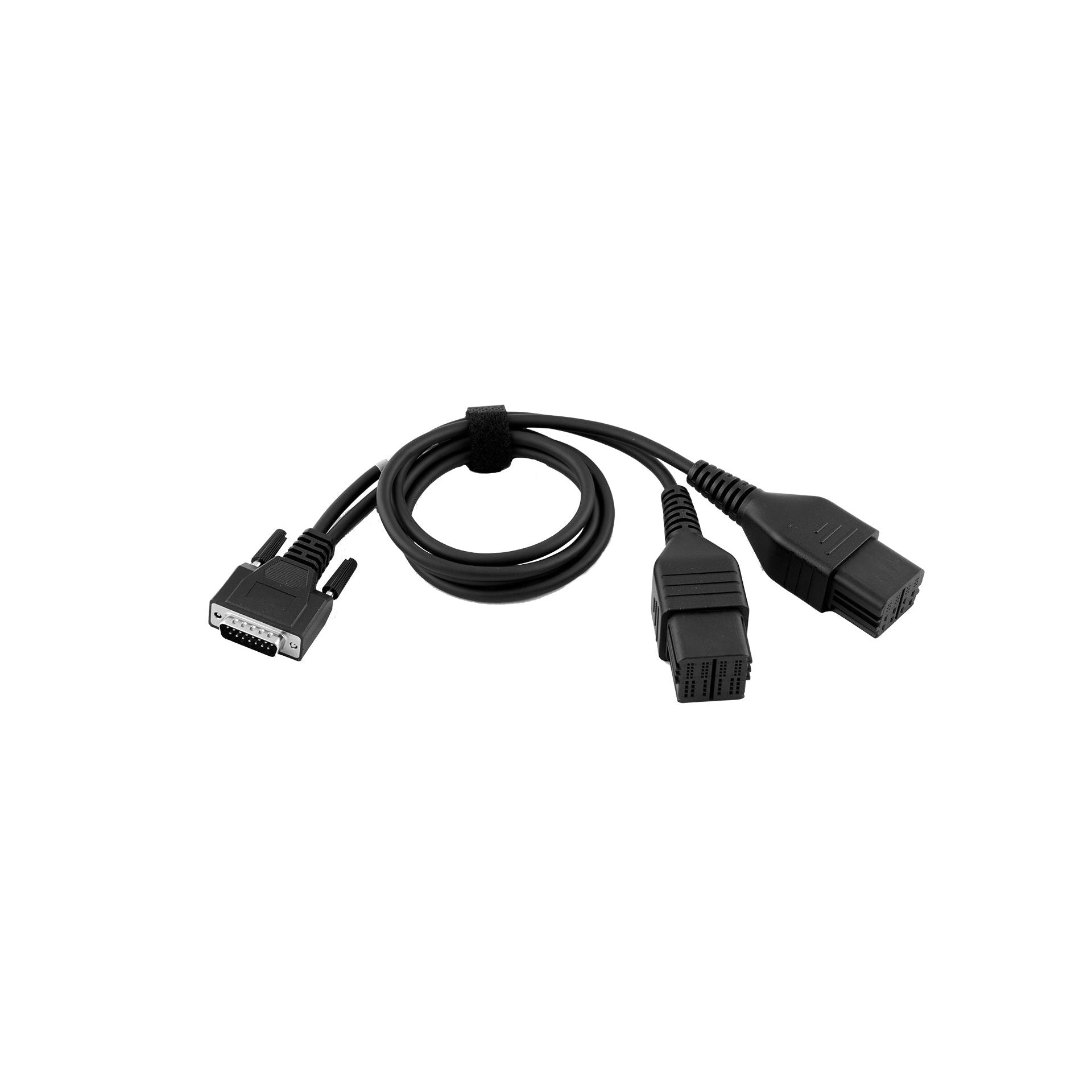
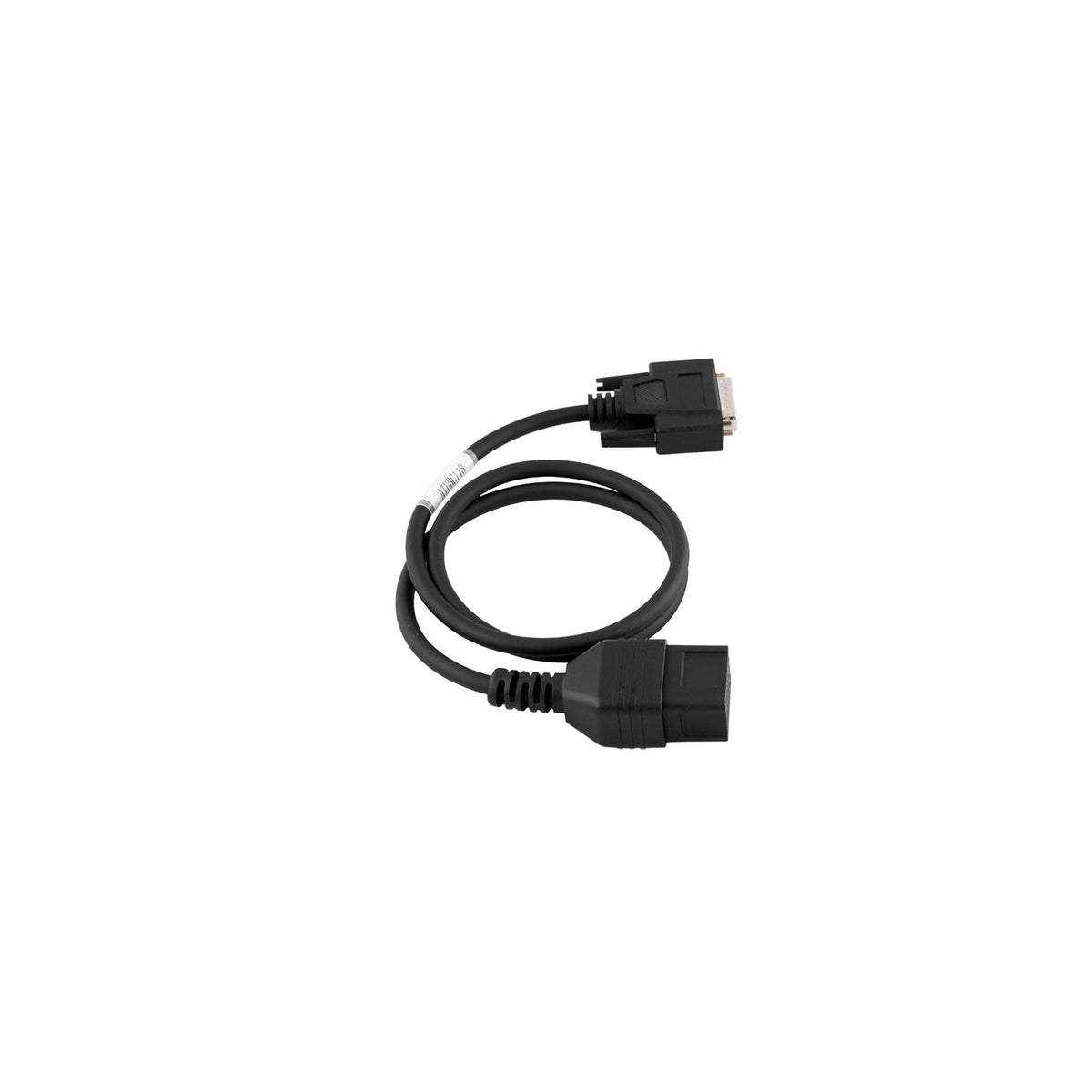
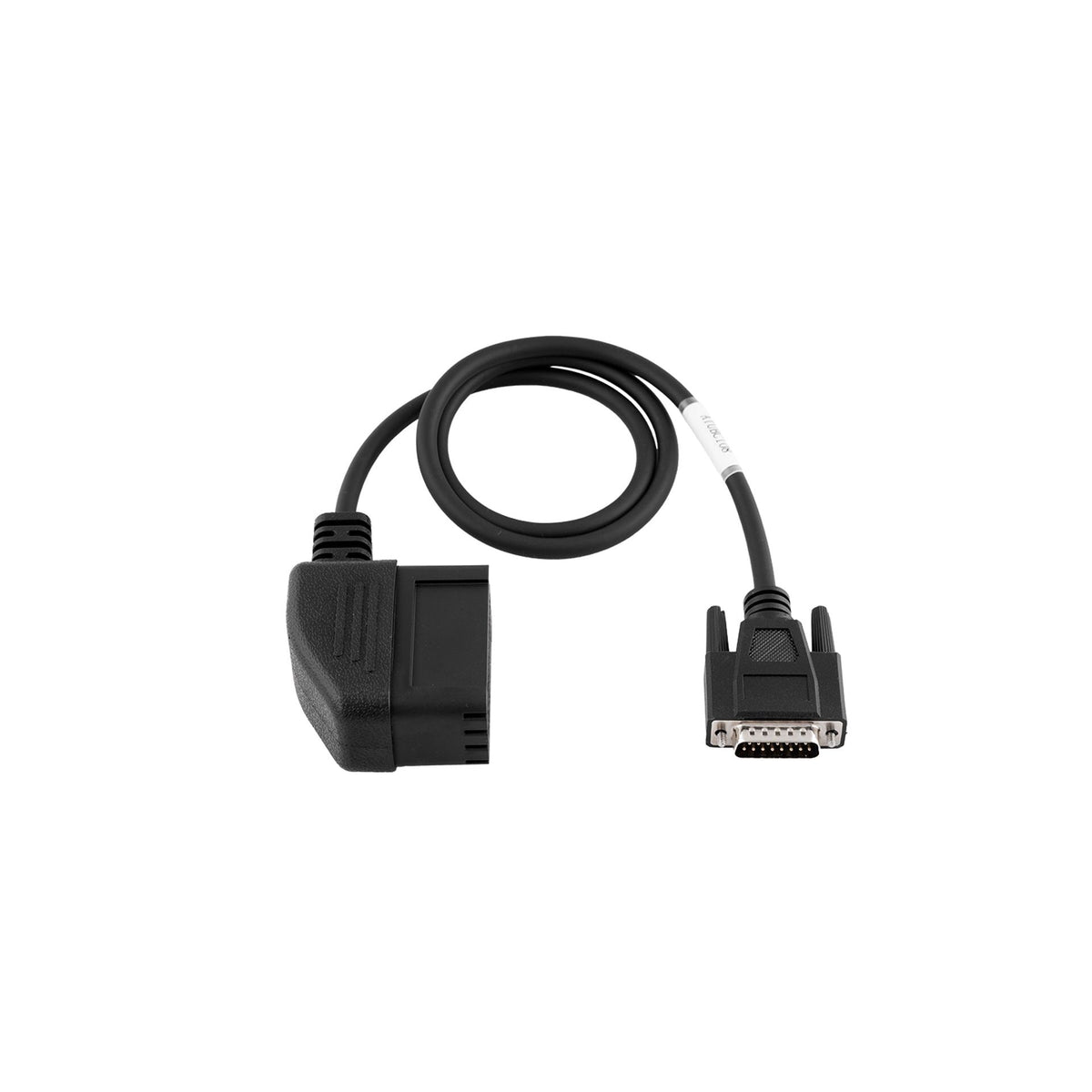
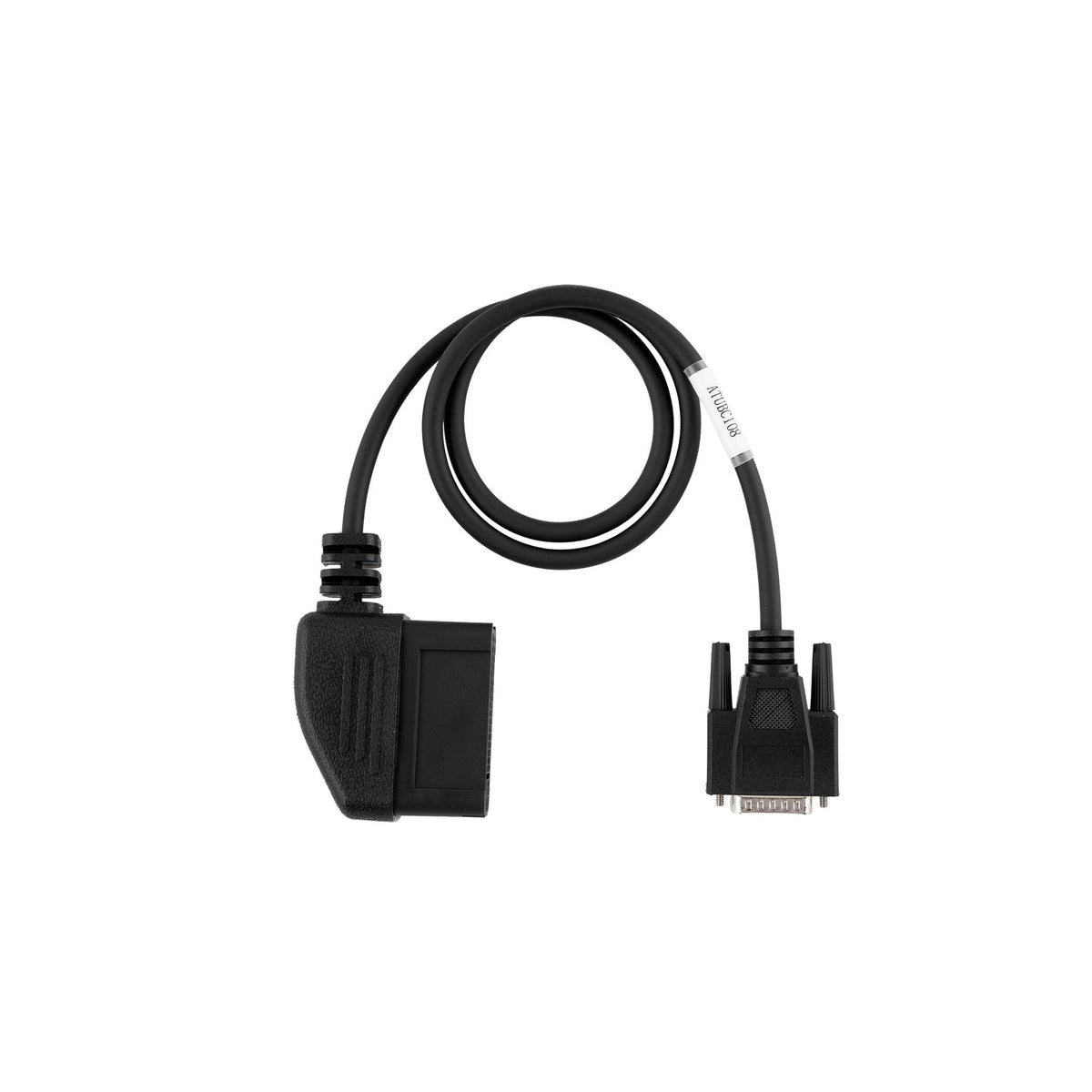
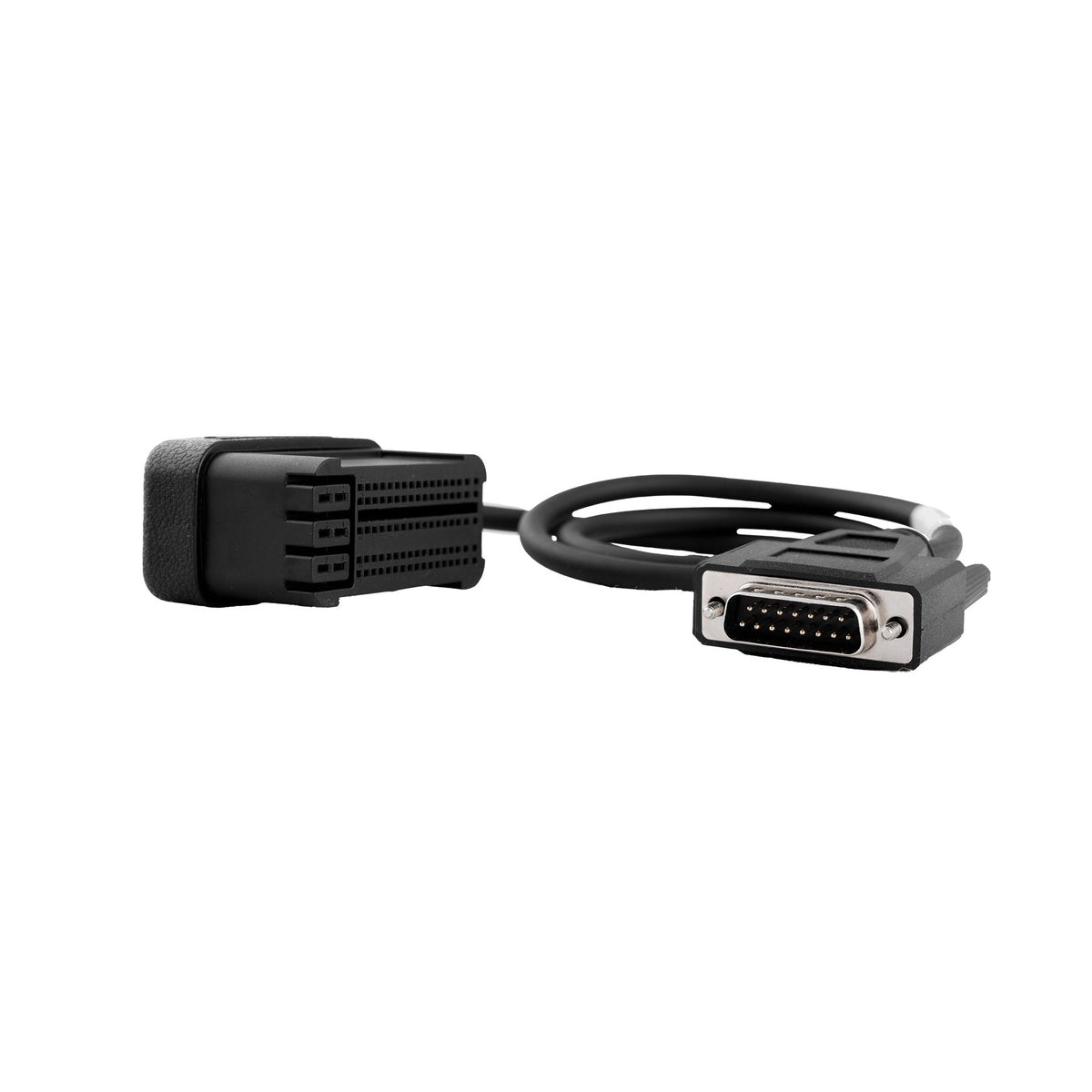
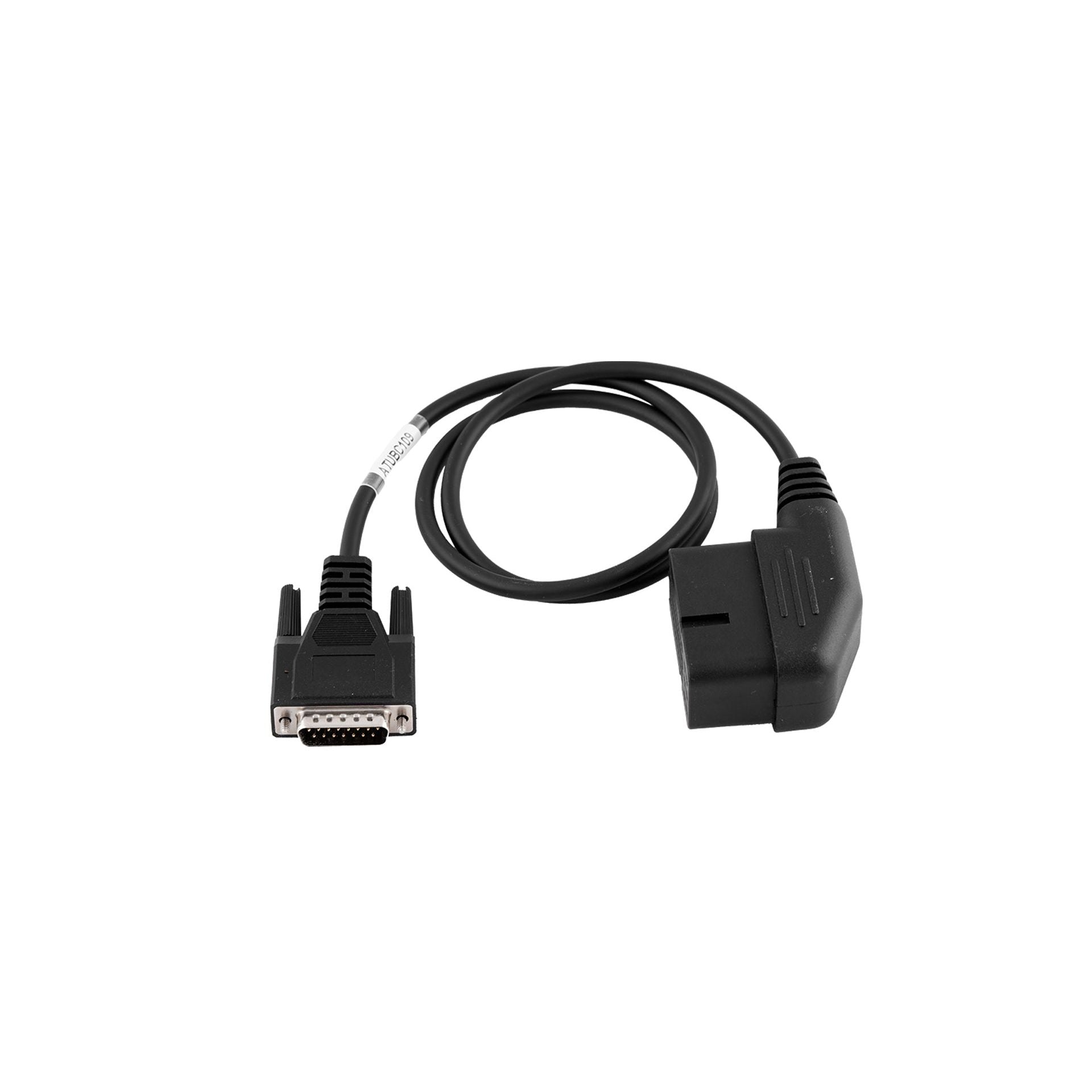
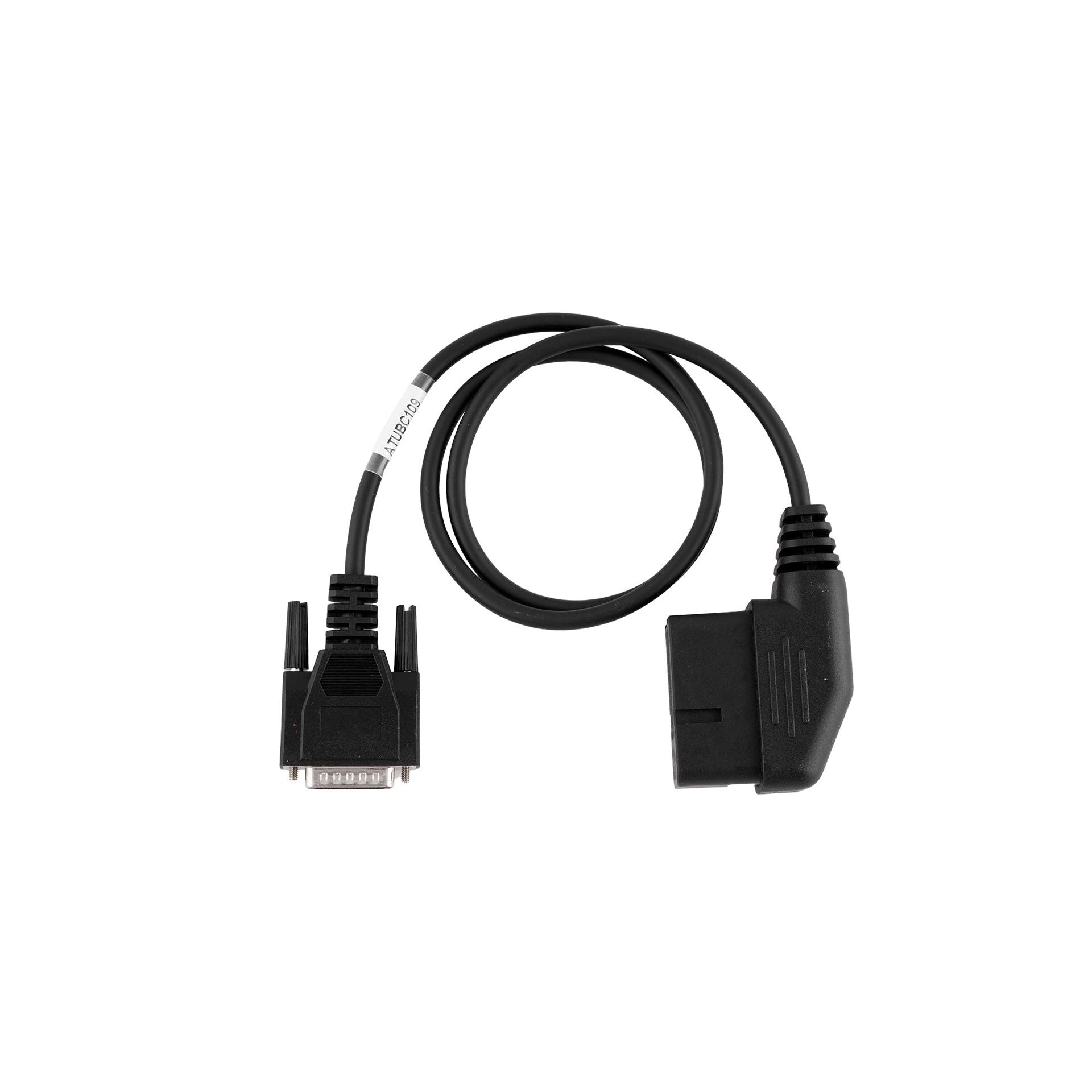
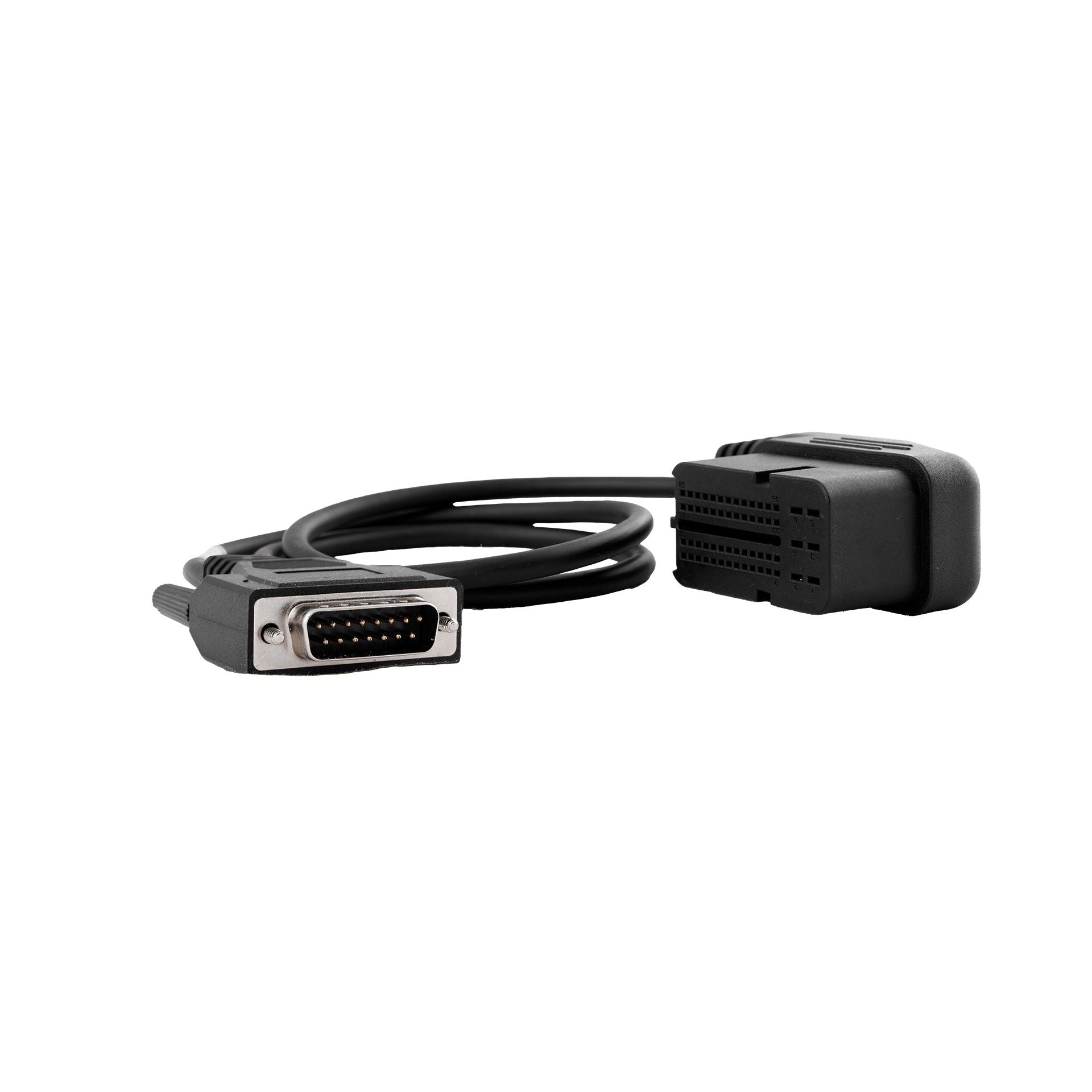
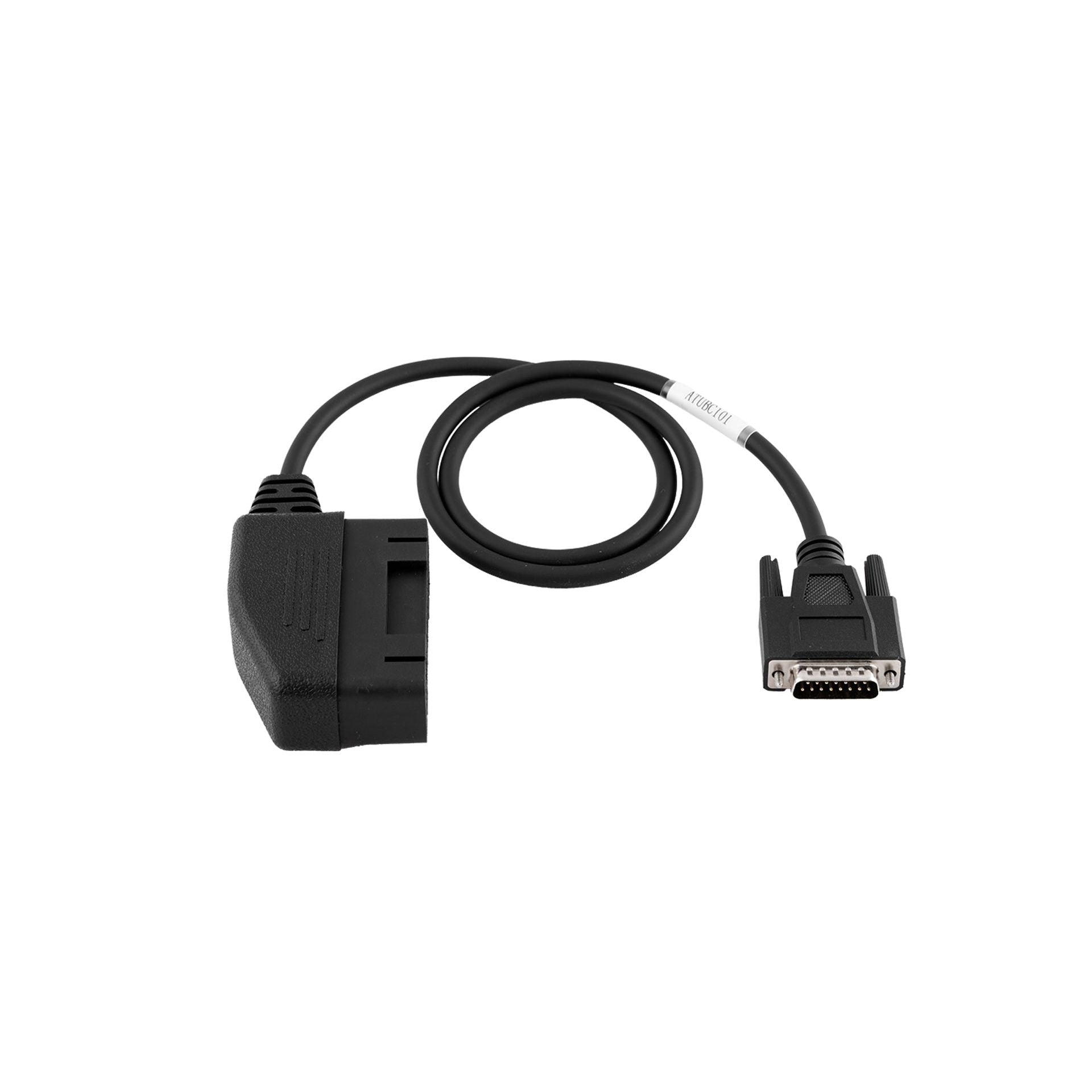
Each connection mode, OBD, Bench or Boot, and each ECU manufacturer (Bosch, Siemens, Marelli, Delphi, Denso...) requires its own cable or adapter. Find here the cables and adapters compatible with Alientech, Autotuner, bFlash and Magicmotorsport tools.


Looking for a File Service?
RS-Tronic offers an engine mapping file service for professionals
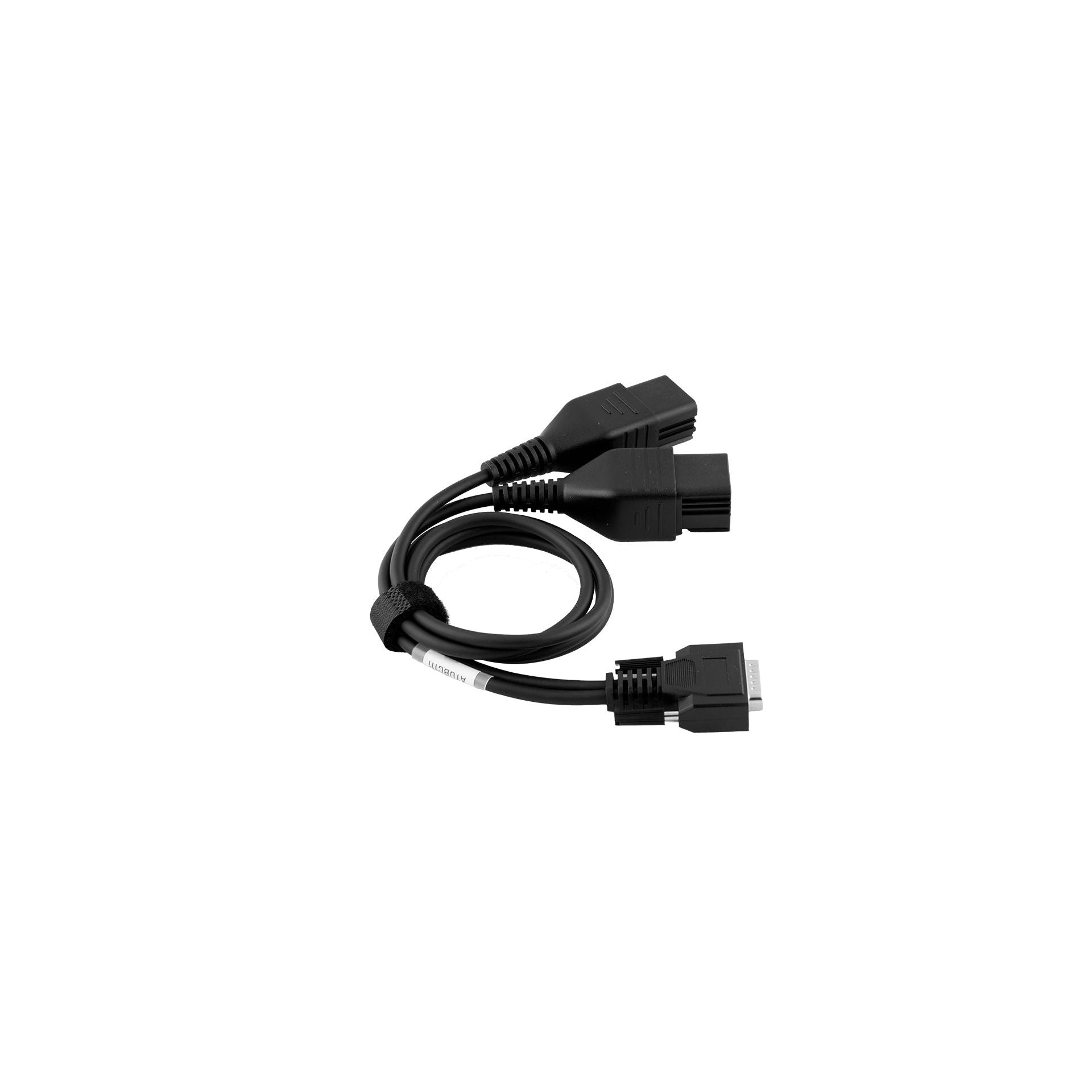
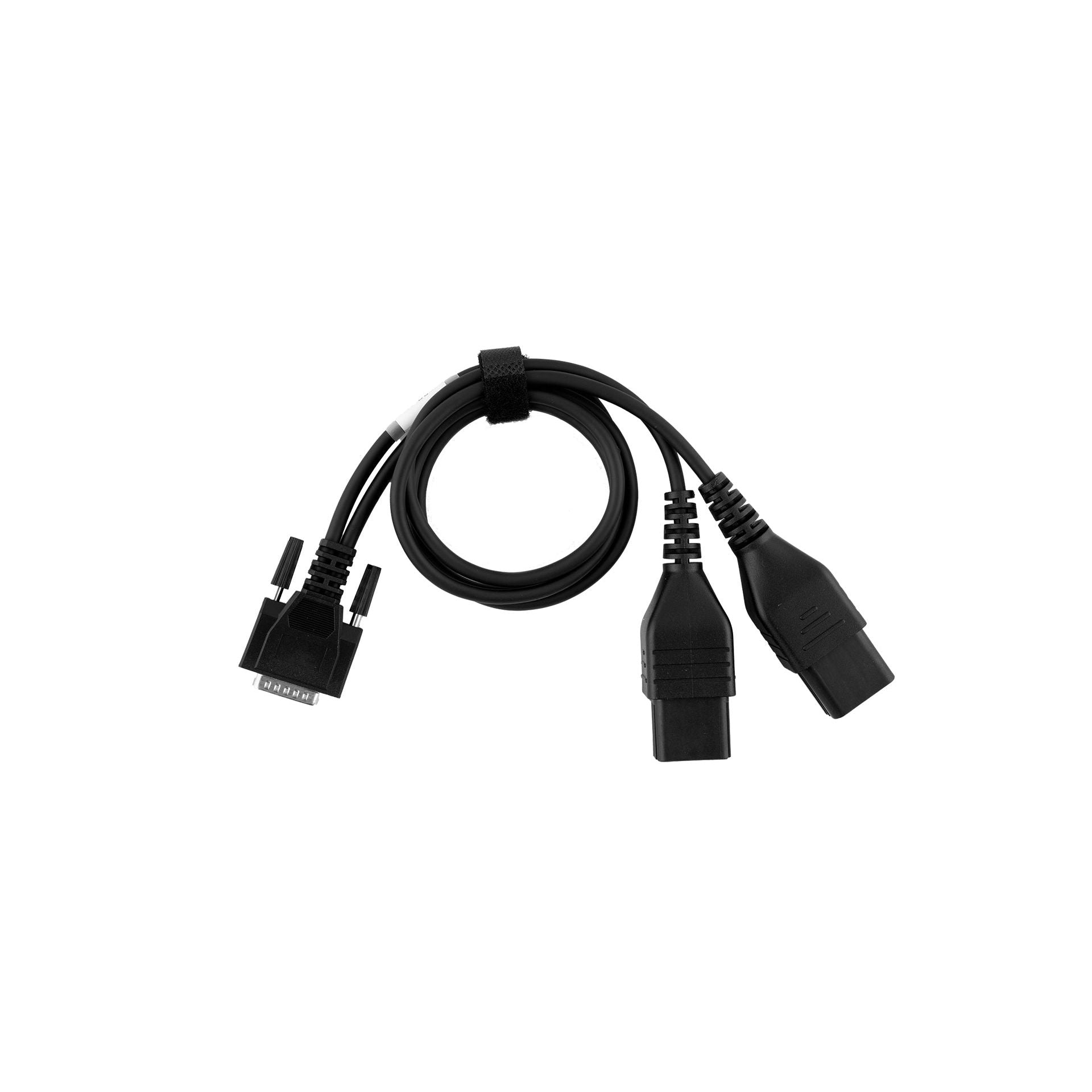
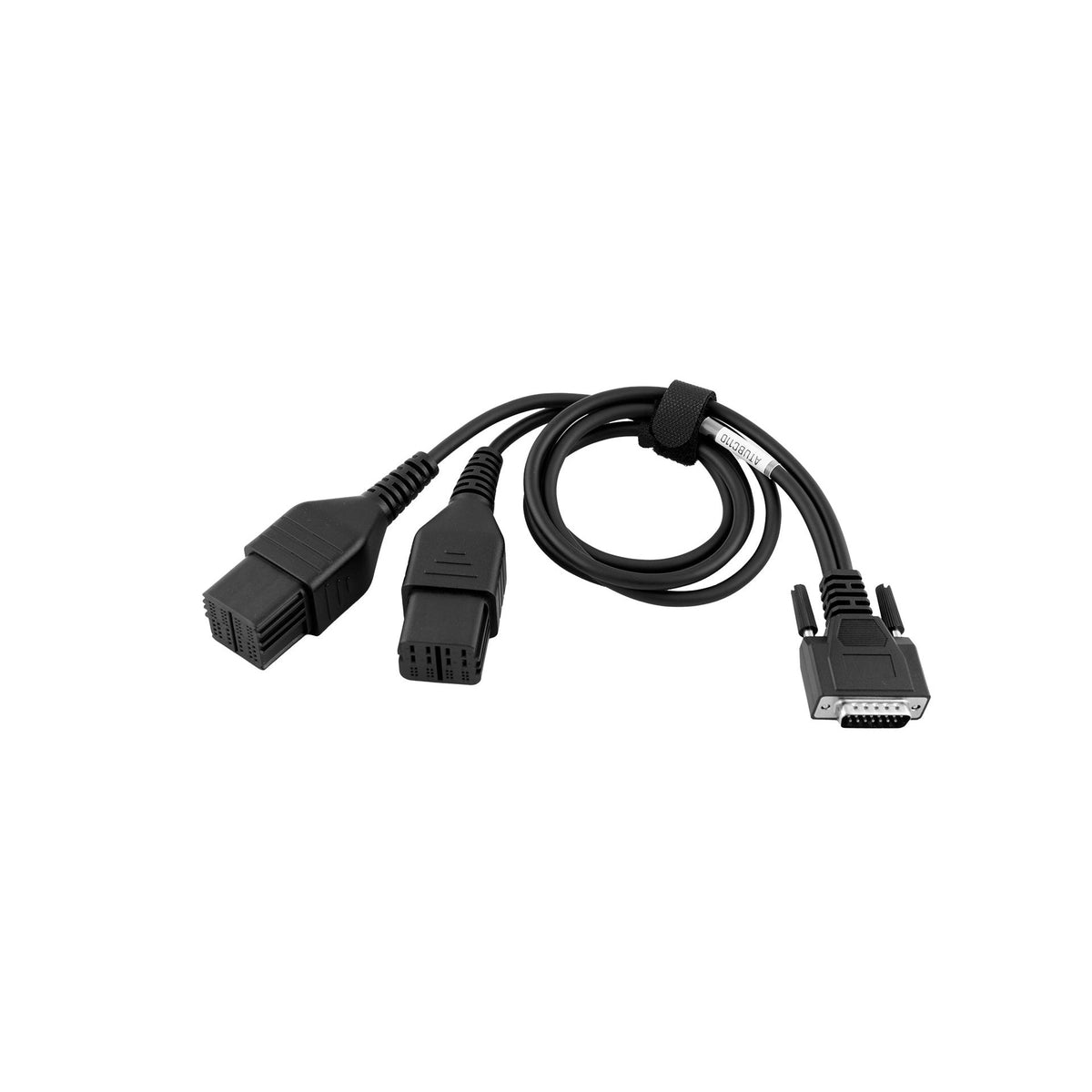
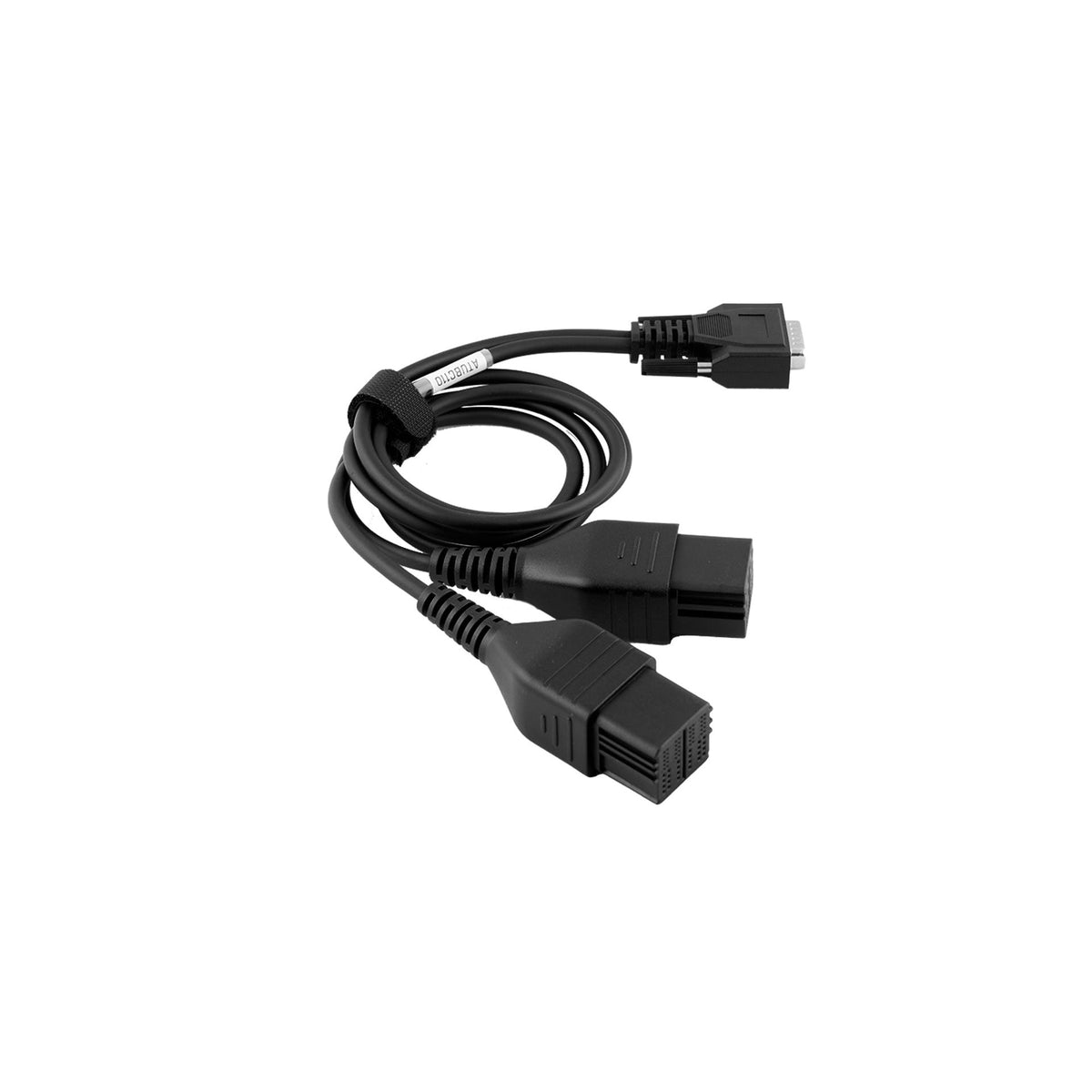
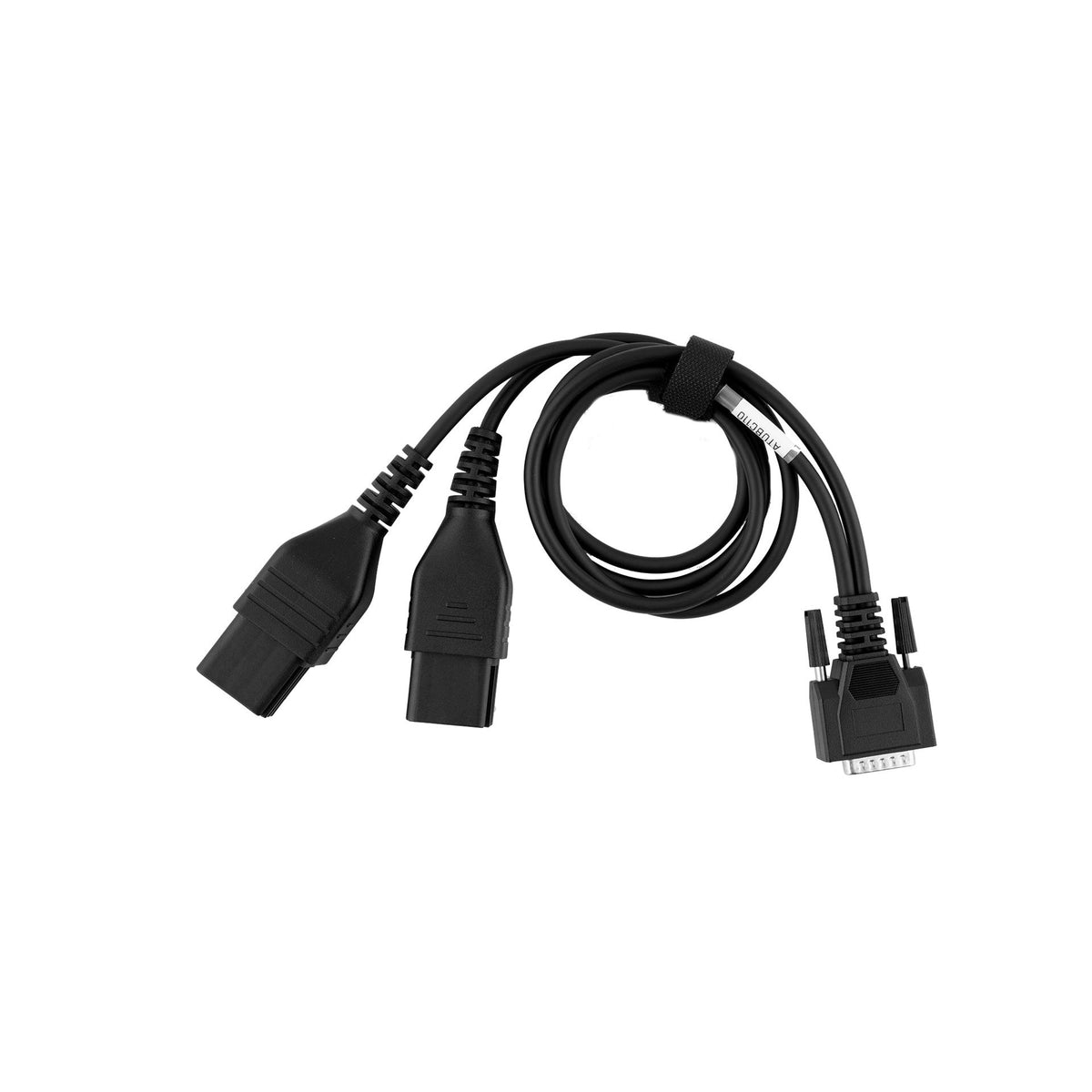
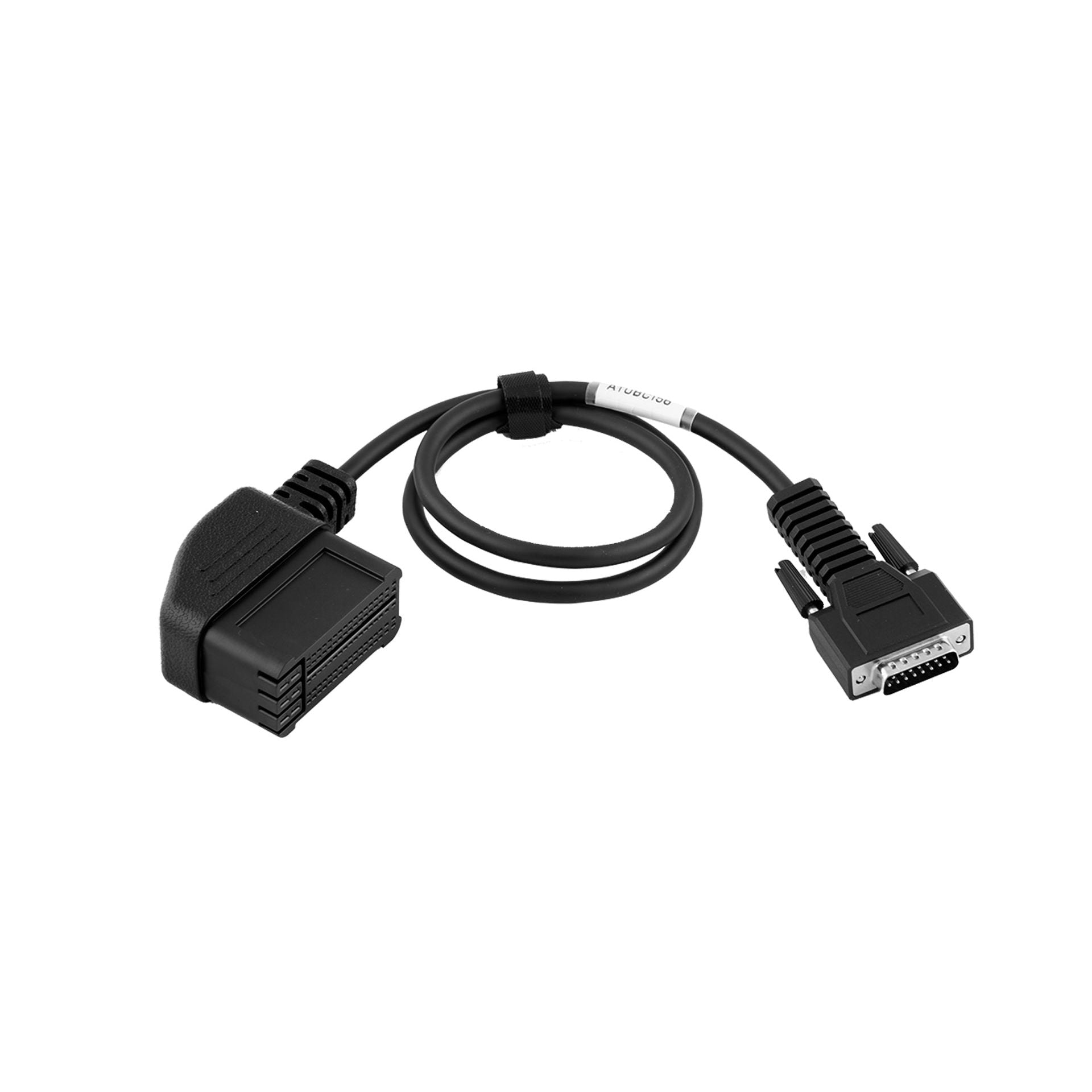
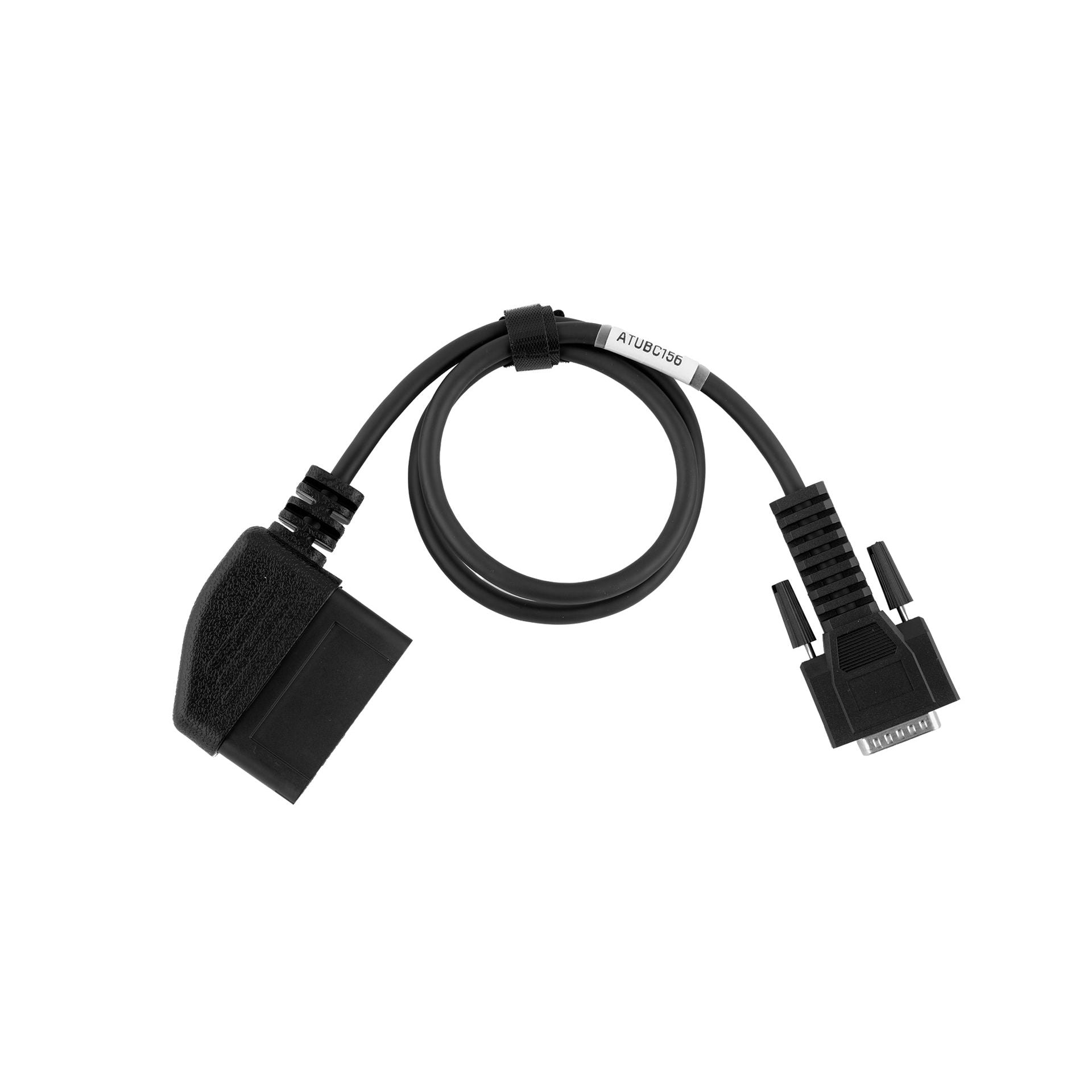
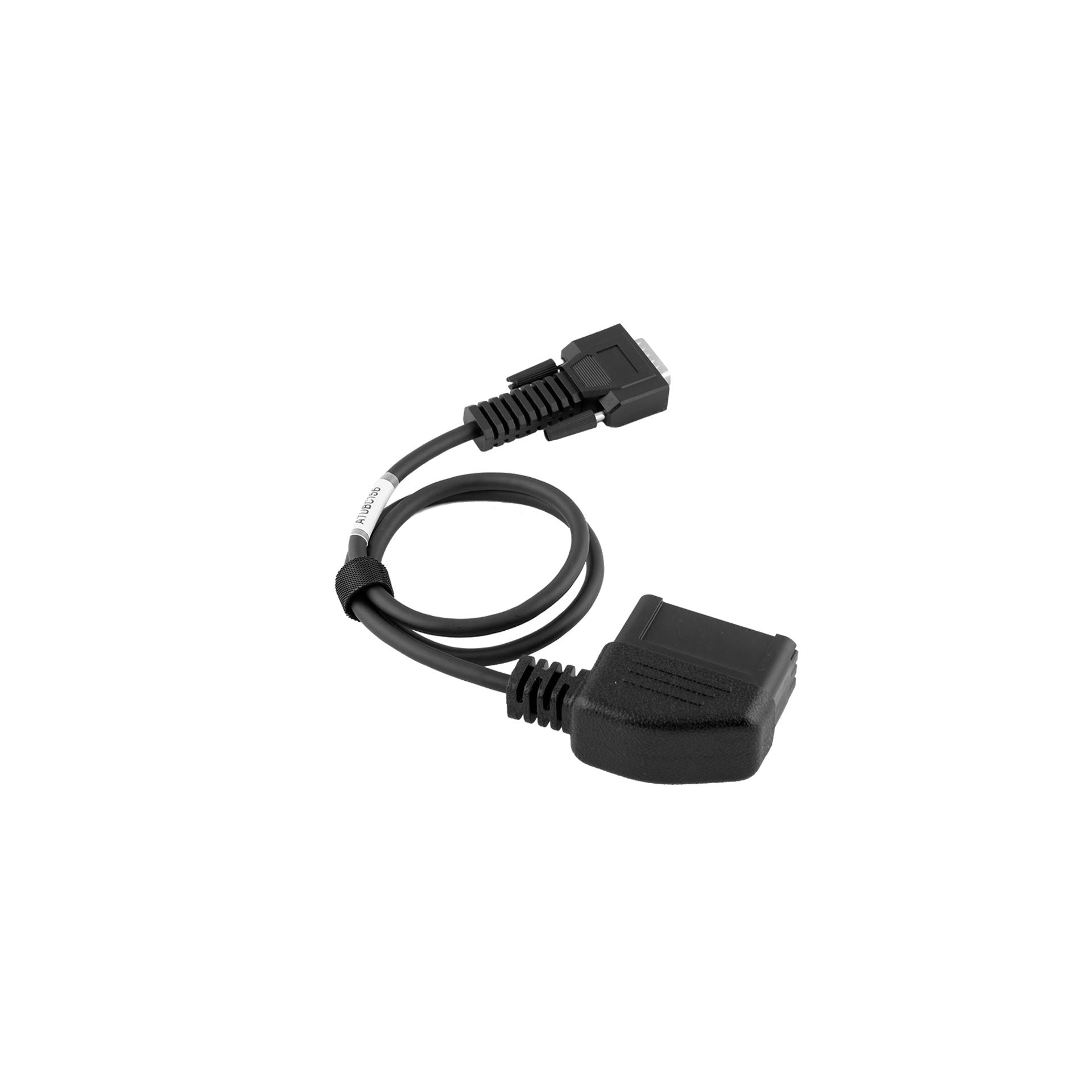
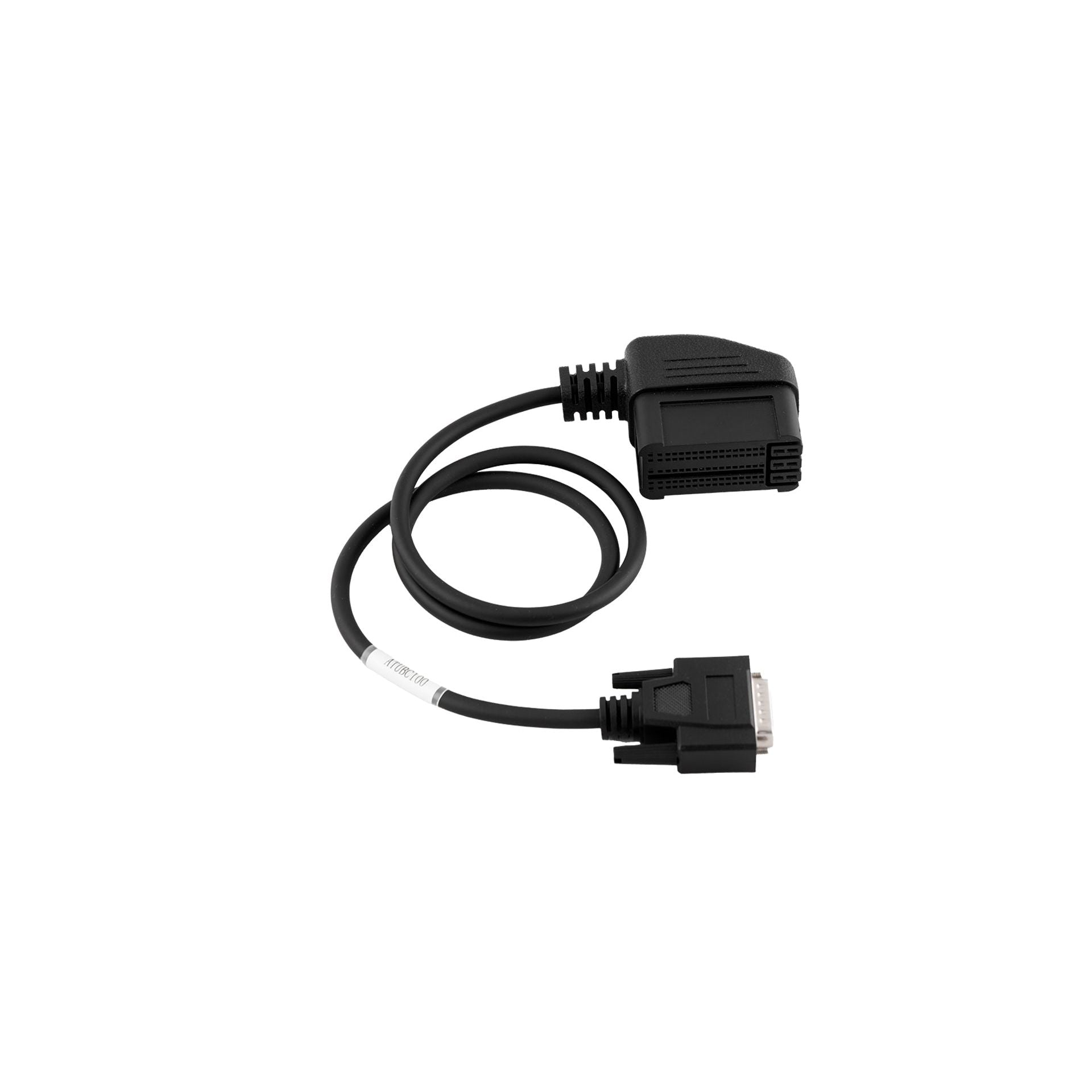
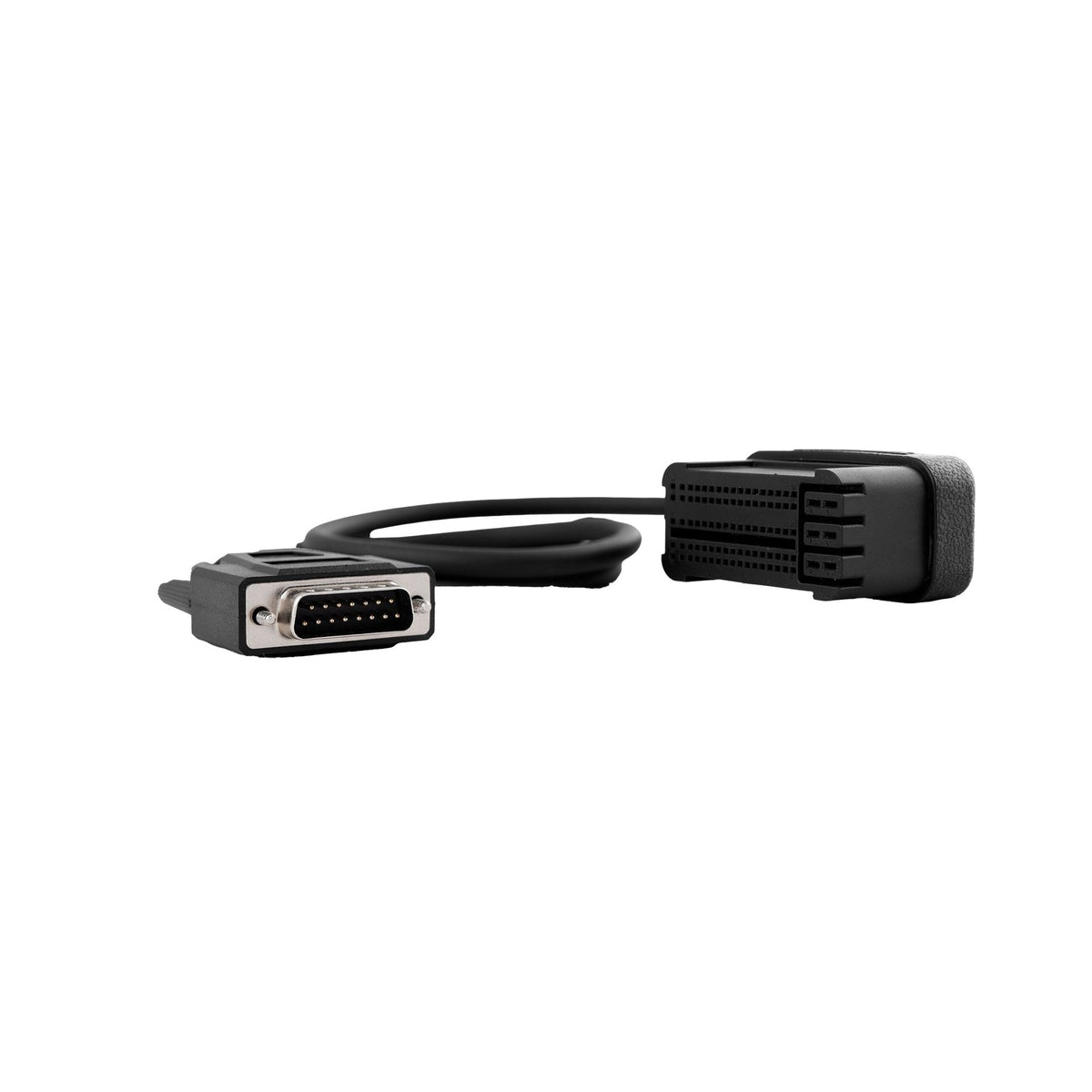
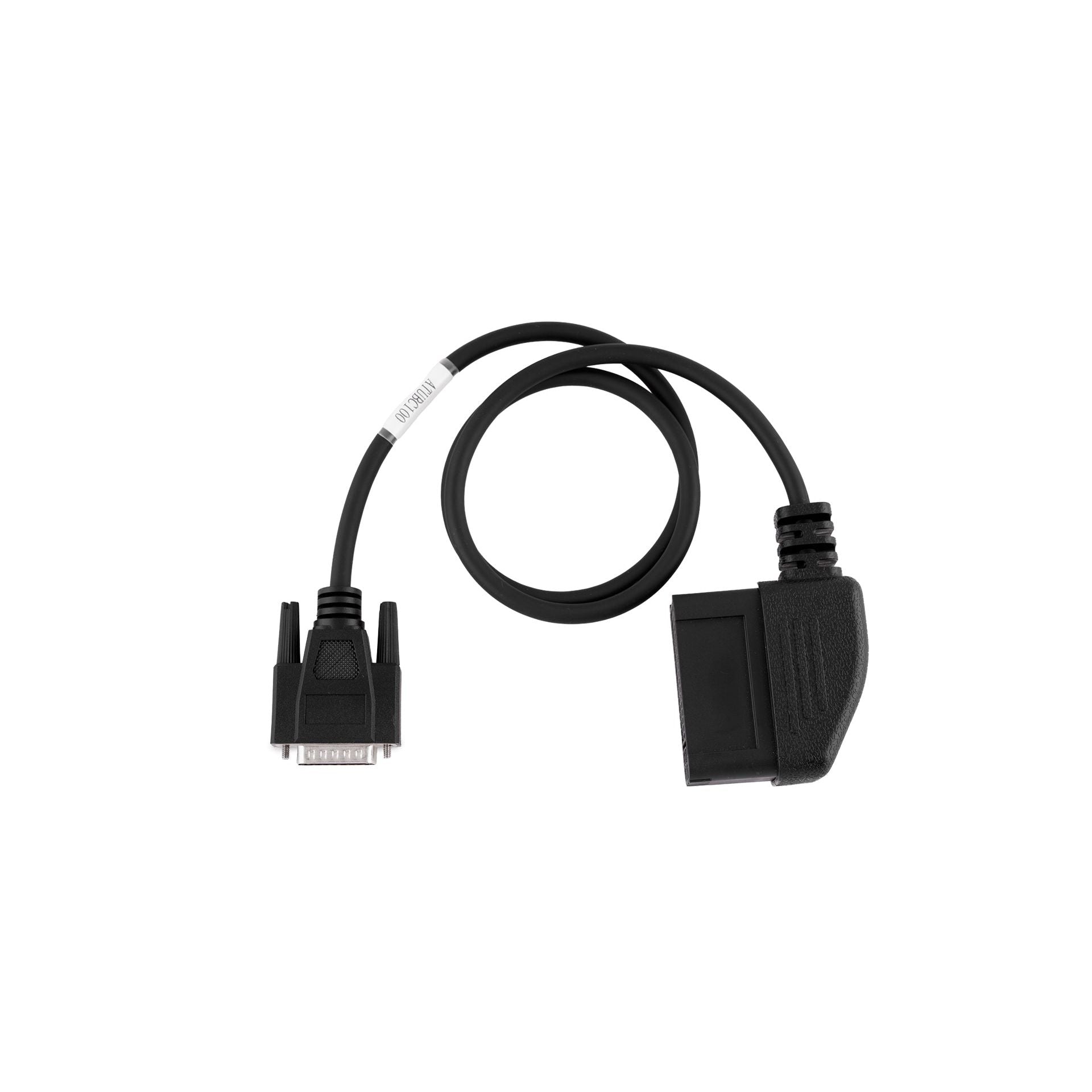
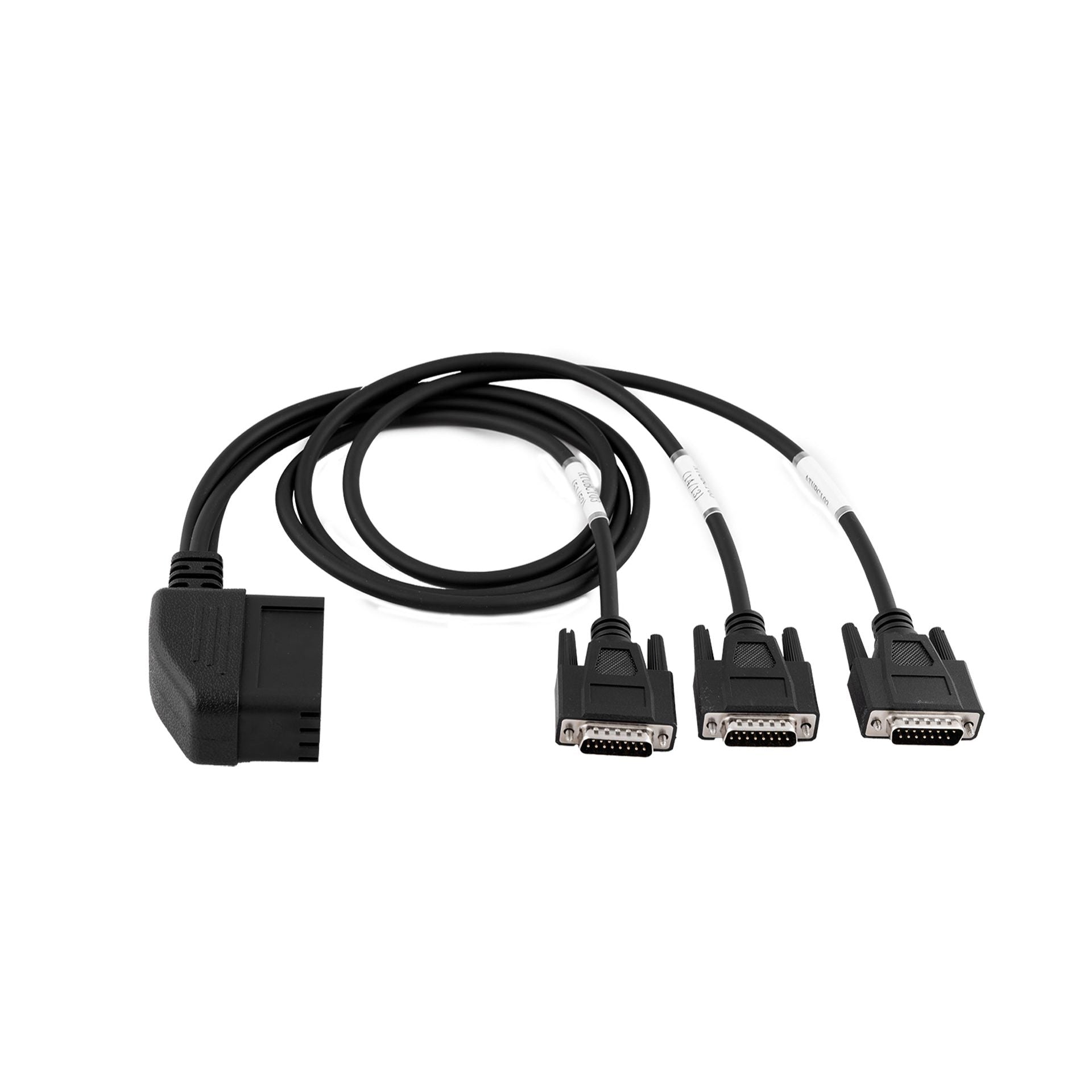
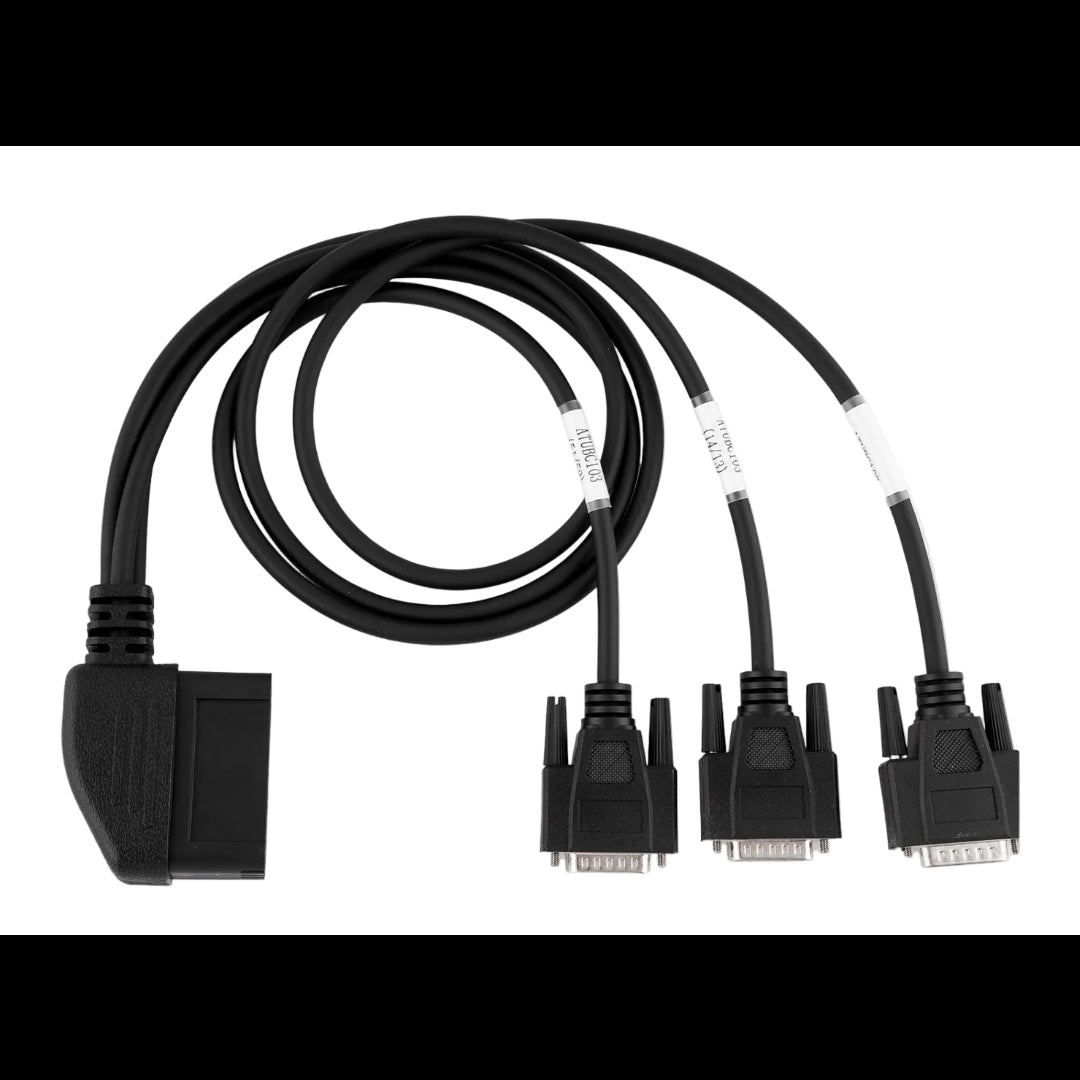
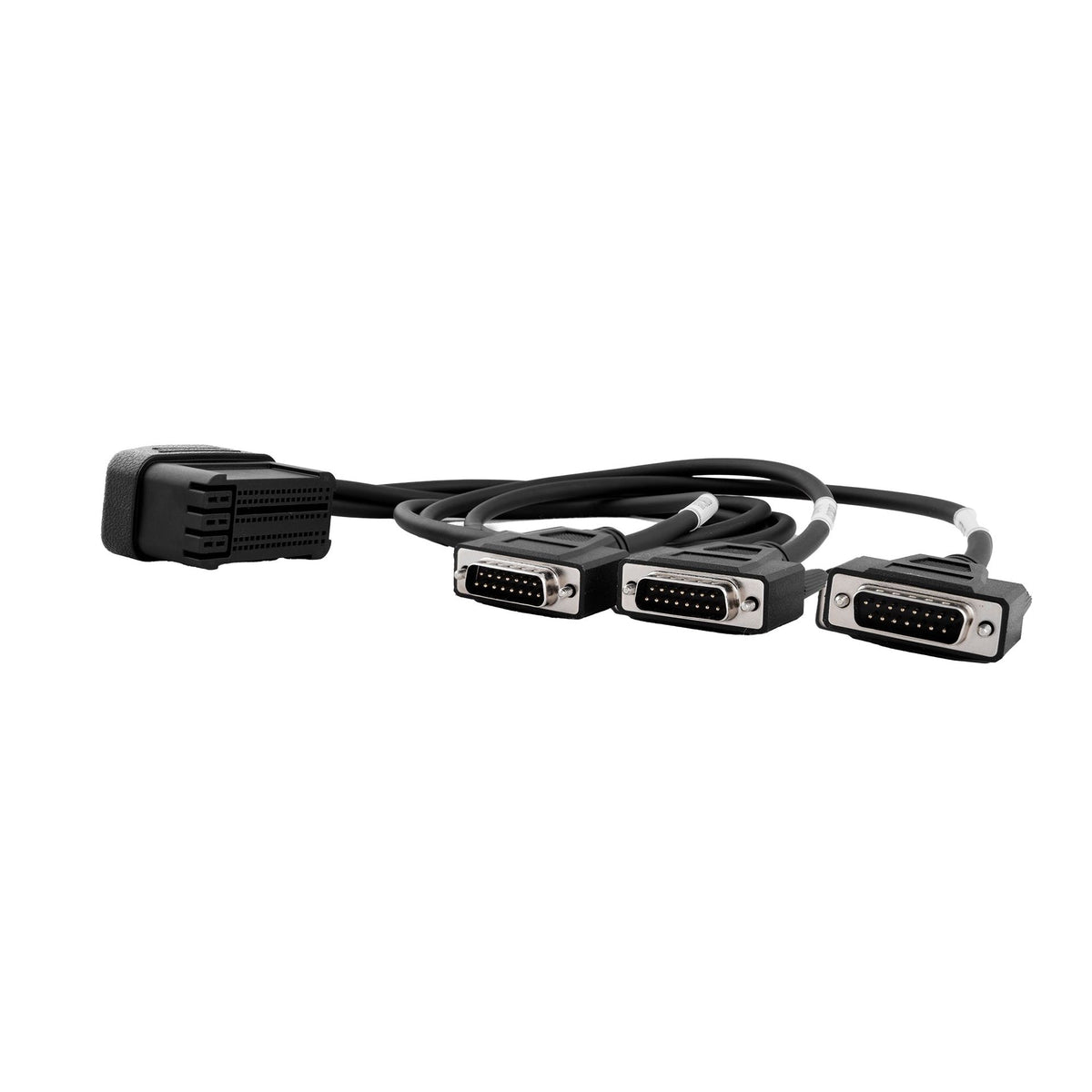
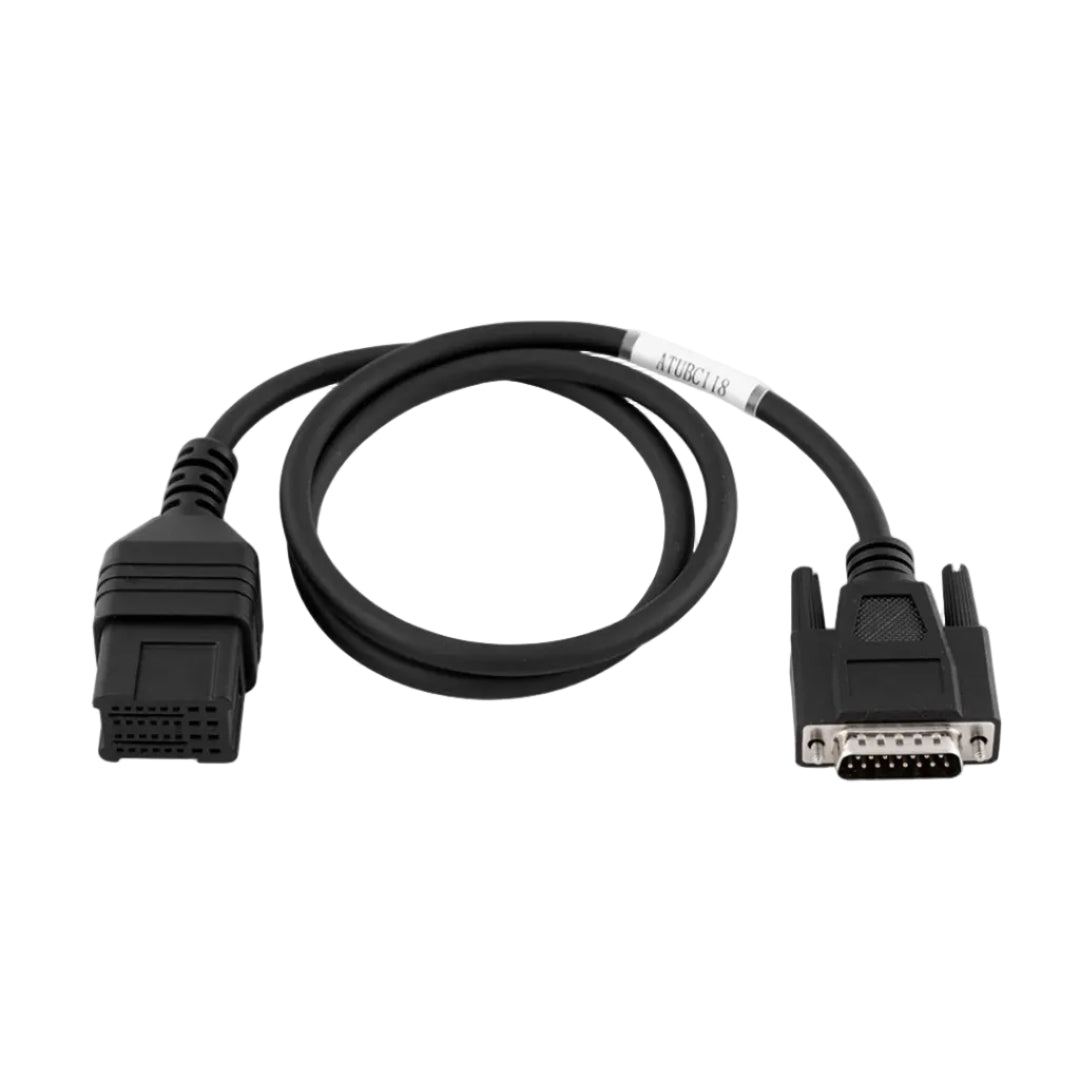
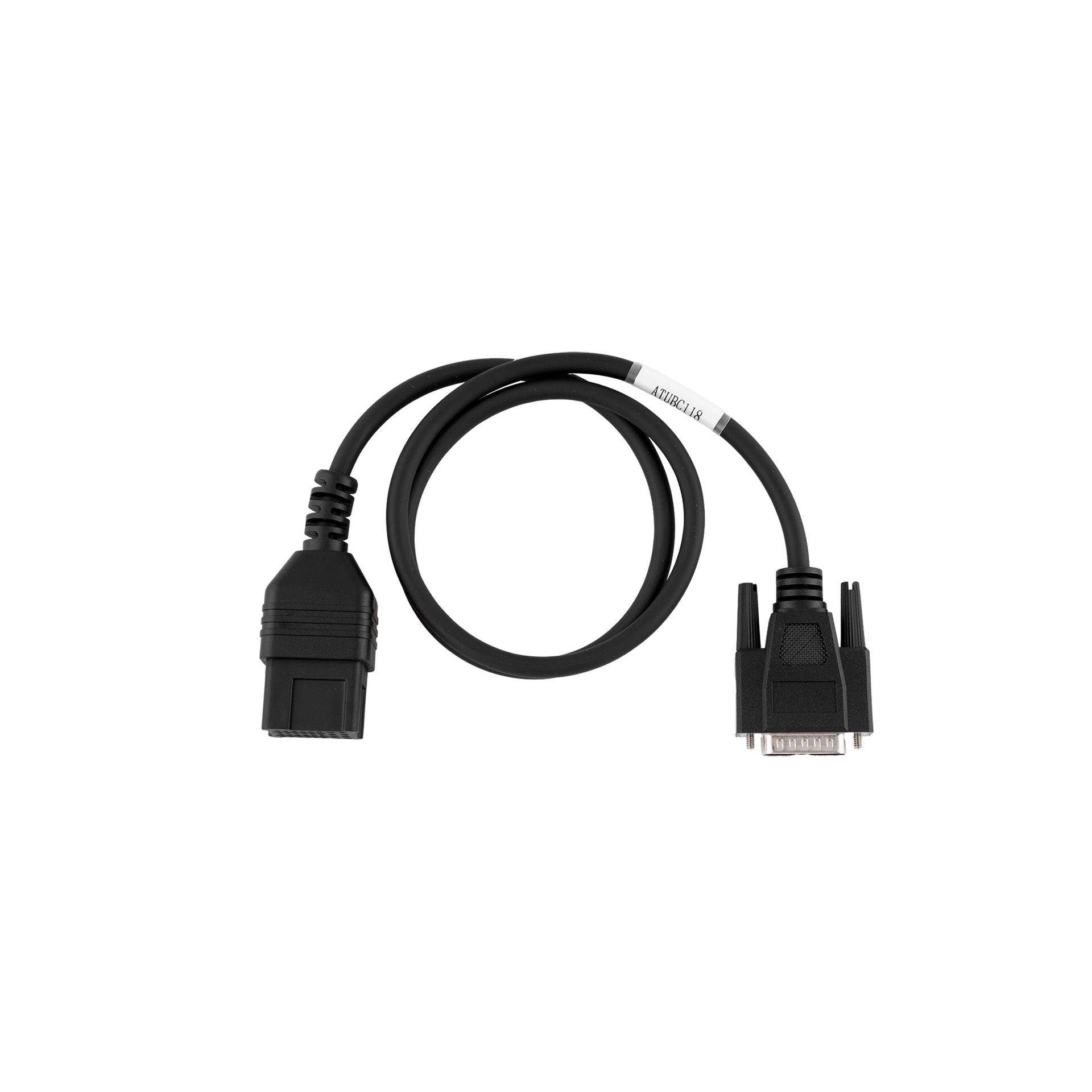
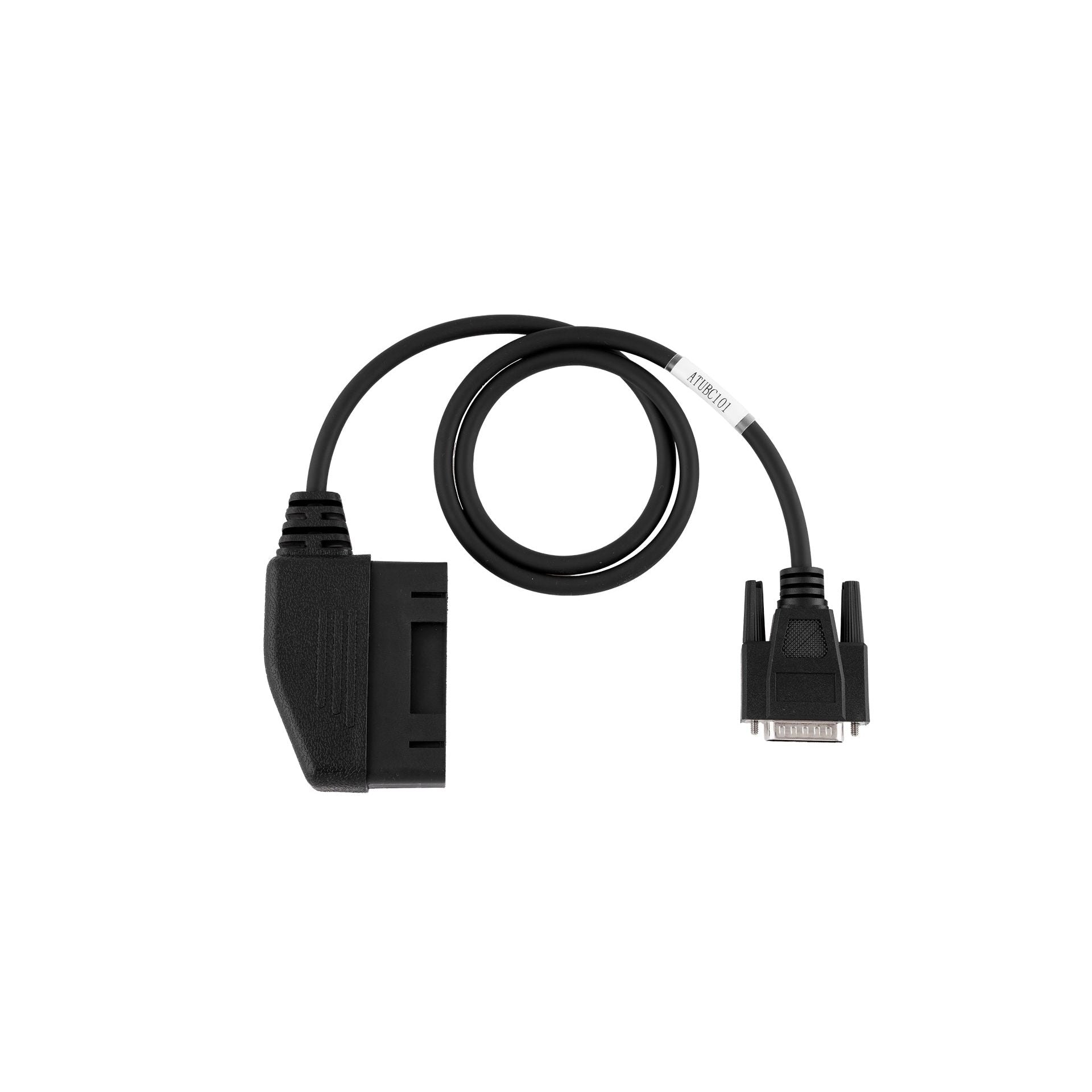
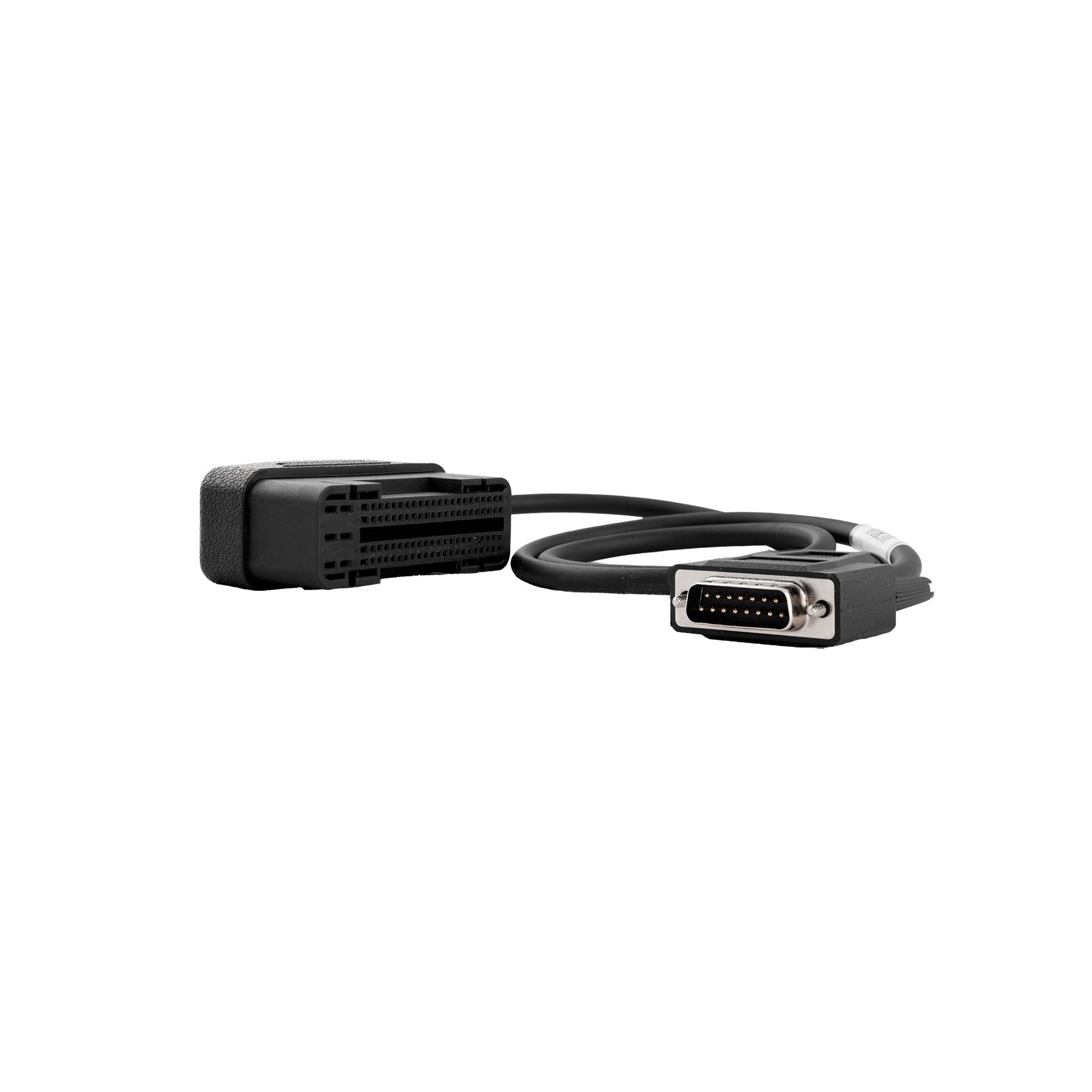
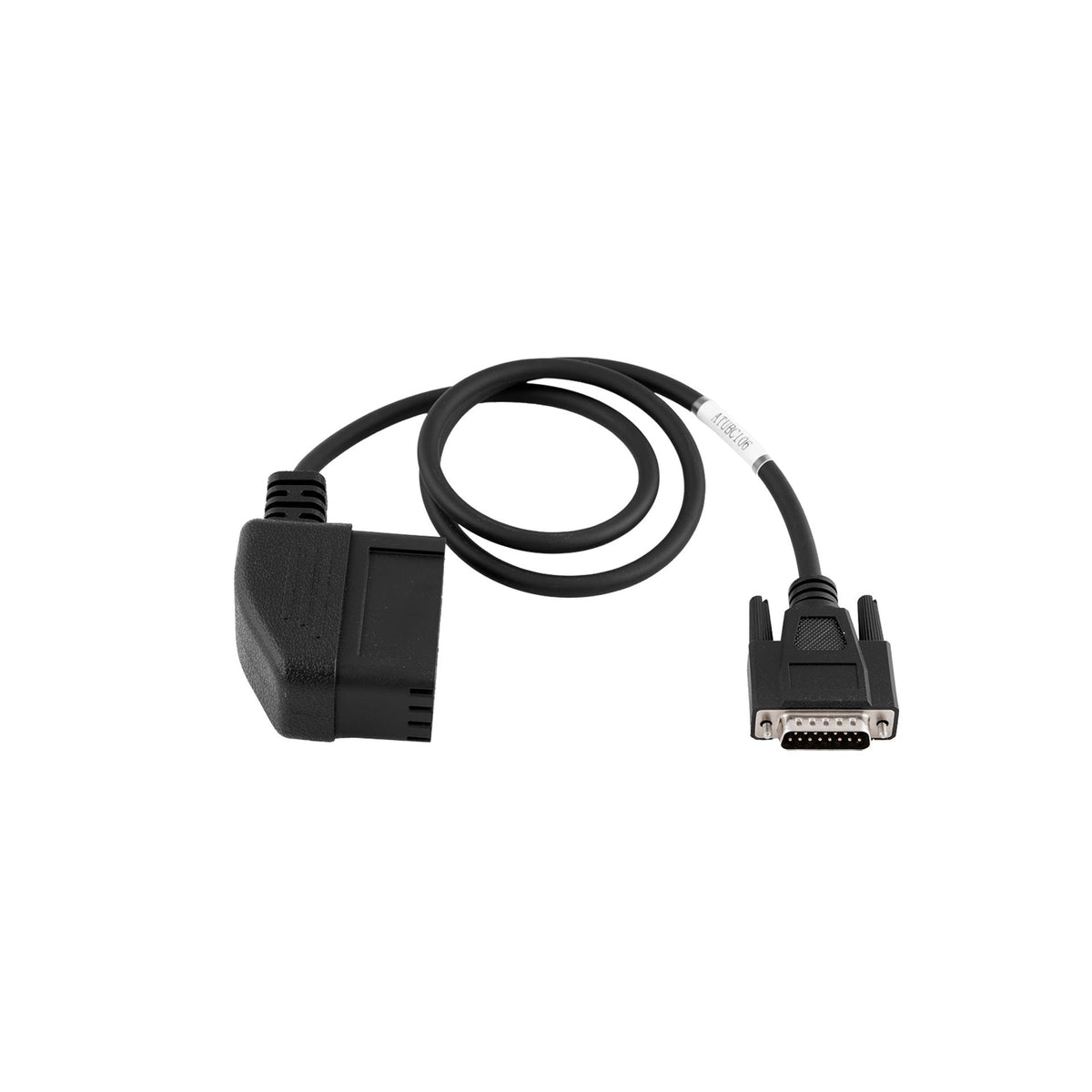
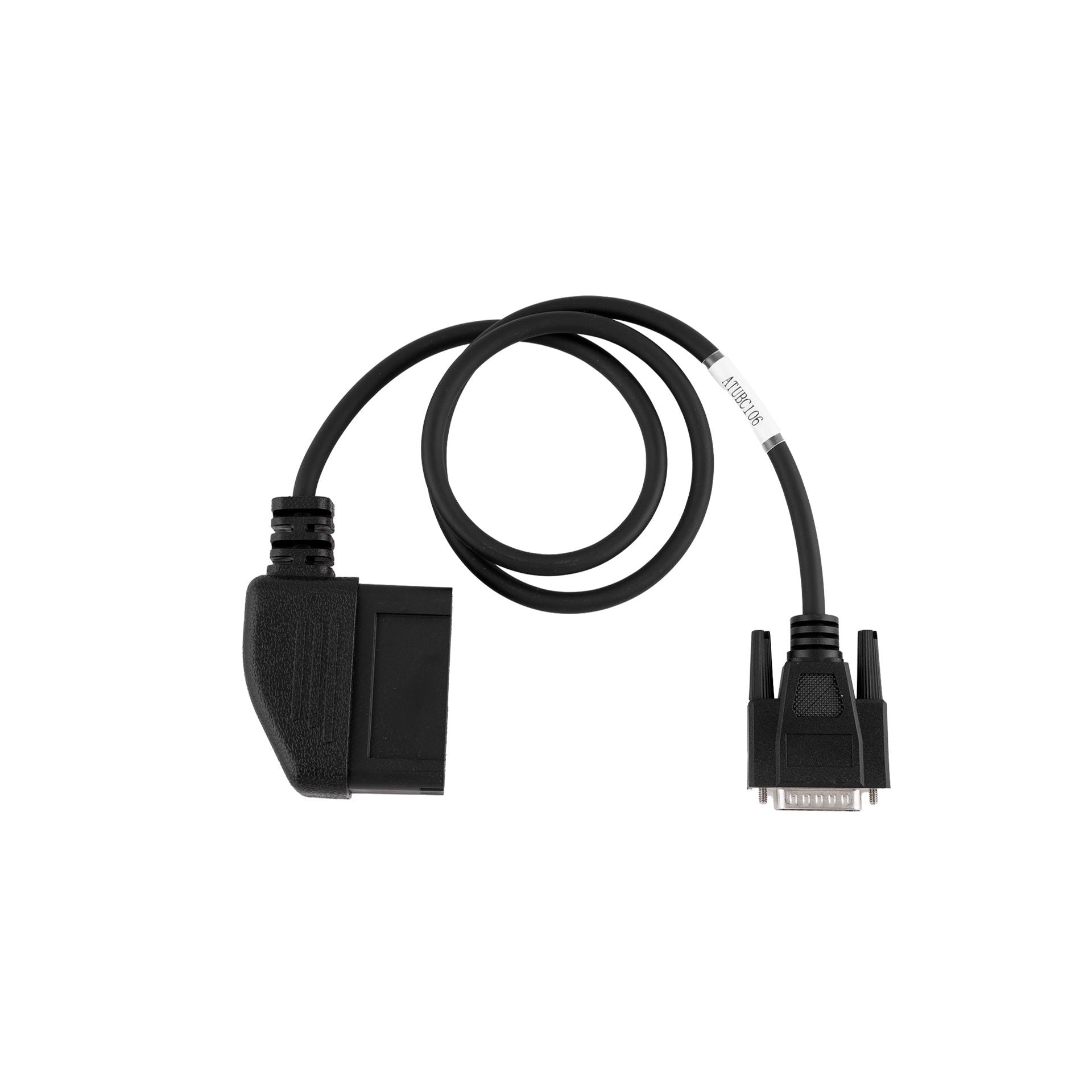
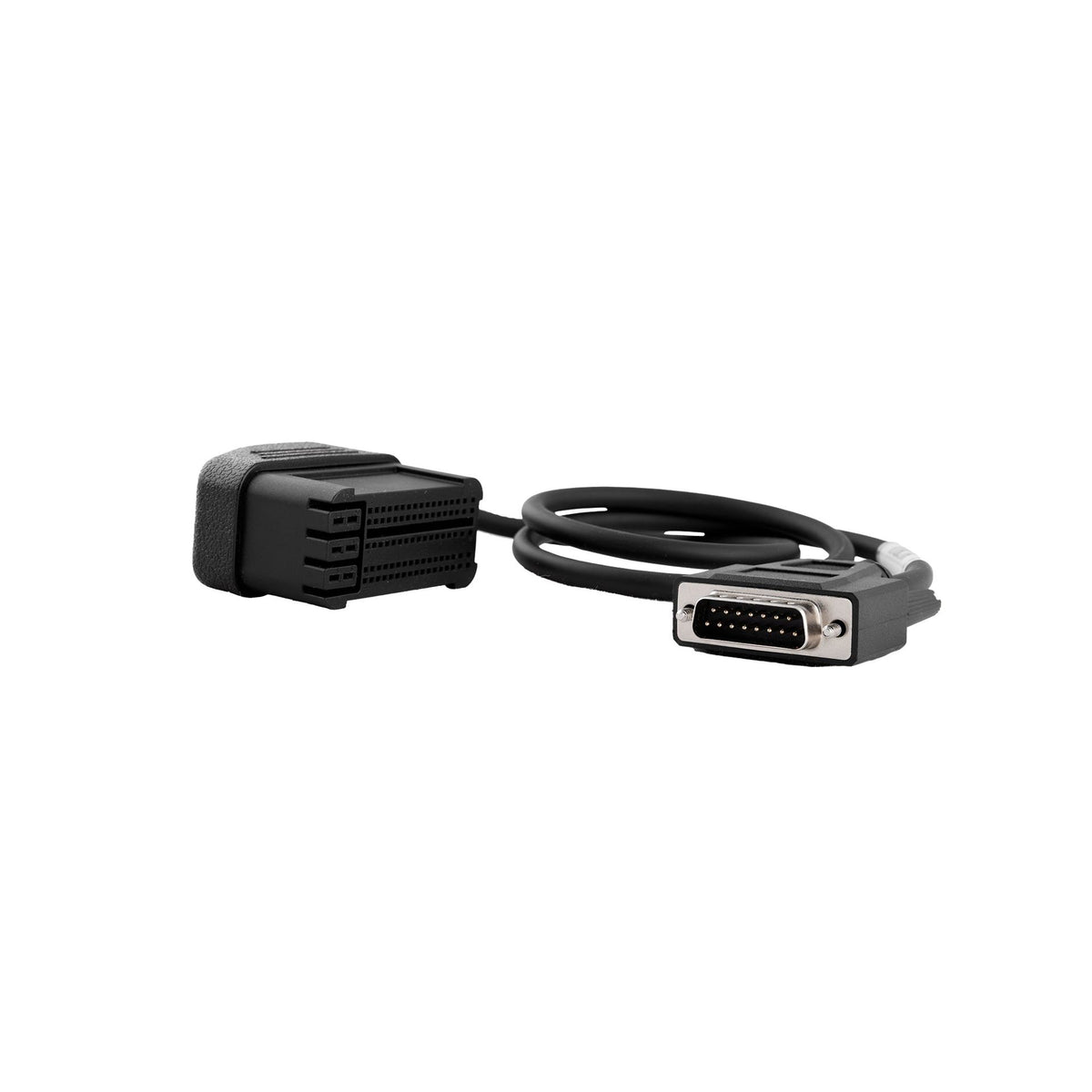
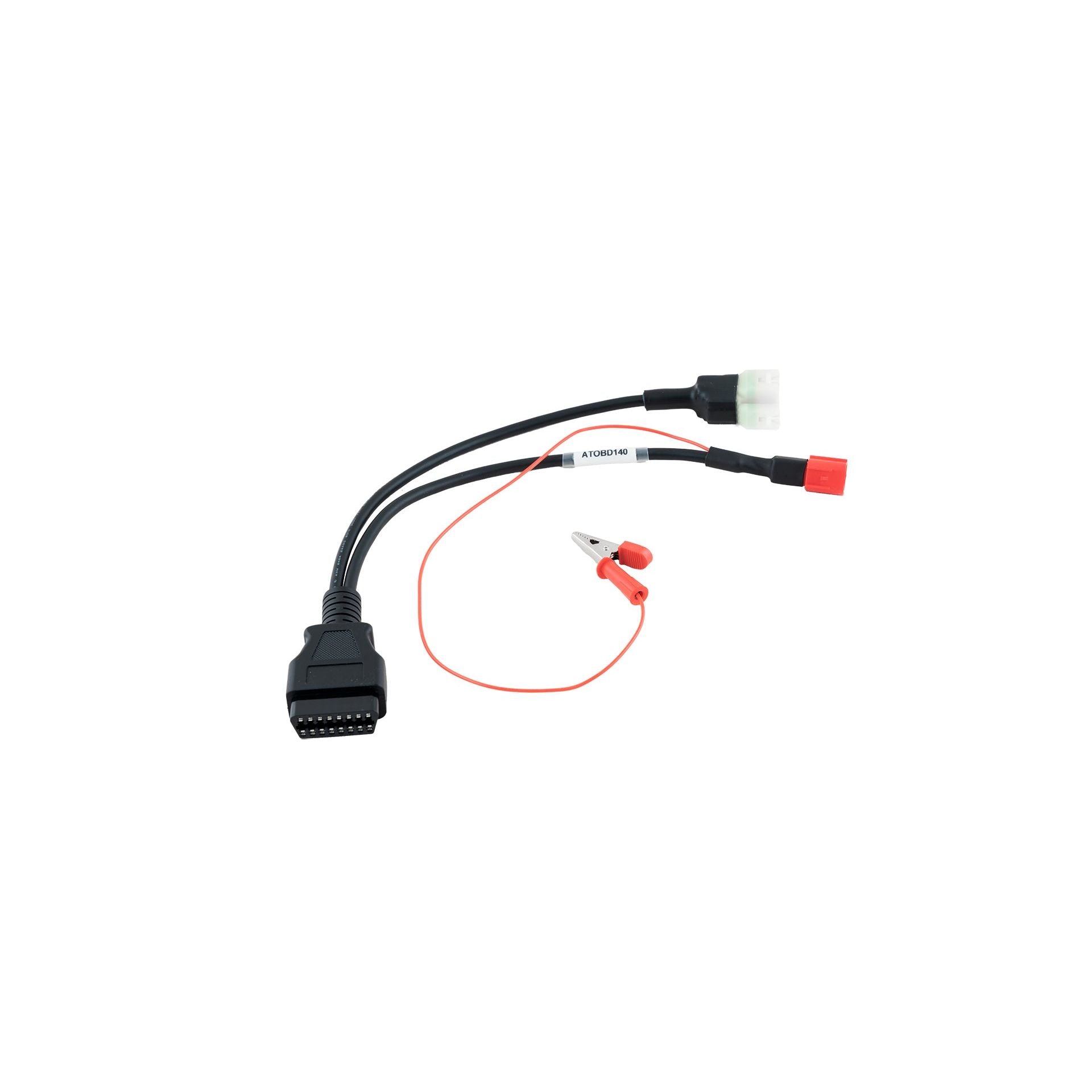
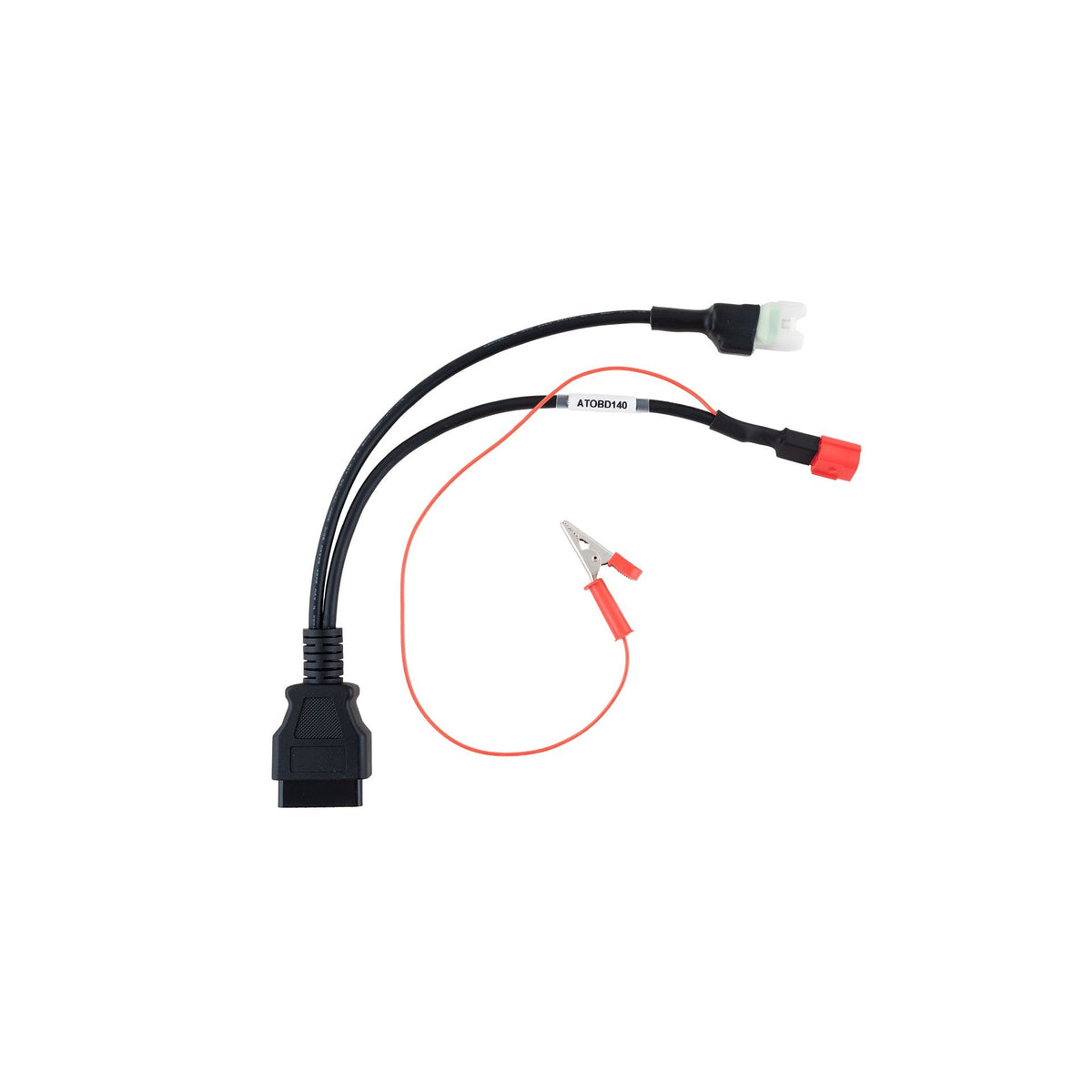
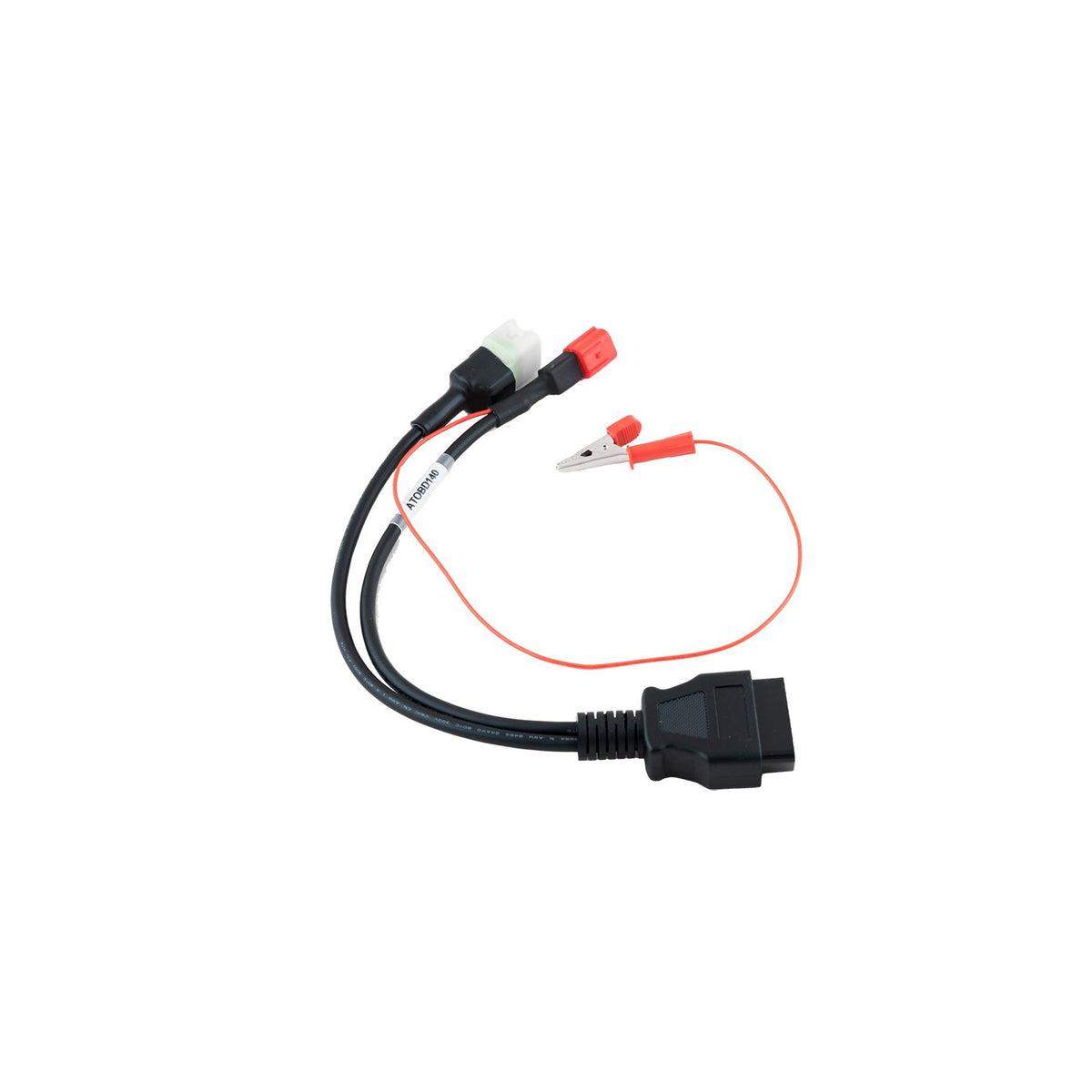

Three modes, three uses
OBD remains the fastest method to implement: the tool connects directly to the vehicle's diagnostic port. Bench, on the other hand, requires removing the ECU from the vehicle and connecting it to a dedicated support, which is necessary when OBD is insufficient or the ECU is locked.
Boot is the most technical method: it involves directly accessing the ECU's programming port (often via a BDM probe), used particularly on older generation Bosch ME(D)9 and EDC16.
Frequently Asked Questions
Does an Alientech cable work with an Autotuner or bFlash tool?
No. Cables and connectors are specific to each tool and its proprietary protocol. Always check the exact reference corresponding to your tool.
How do I know if I need an OBD, Bench, or Boot cable?
This depends on the ECU being processed and what your tool supports for that specific model. The reprogramming software generally indicates the required connection method before the intervention.
What is a BDM probe?
This is a probe used to access the programming port of an ECU in Boot Mode, particularly on older generations of Bosch ME(D)9 and EDC16.
Are MAGBench adapters compatible with benches other than Magicmotorsport?
The MAGBench frame and its adapters are designed by Magicmotorsport to work with their own tools. For other tools, please check compatibility before purchasing.